Total: $0.00
Taxes and shipping calculated at checkout


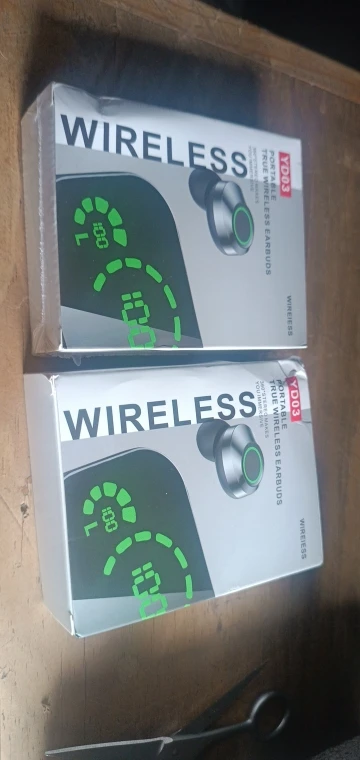
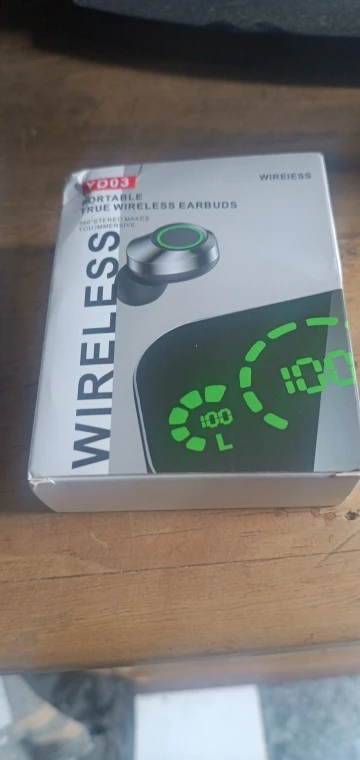
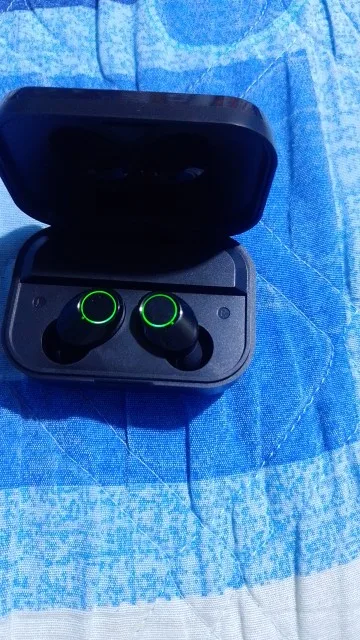
The YD03 TWS Infurion is more than just a pair of earbuds—it is a sophisticated piece of wearable technology designed for the modern lifestyle. Combining a high-gloss Mirror LED Display with the latest Bluetooth 5.3 connectivity, these earbuds deliver immersive Hi-Fi sound while doubling as an emergency power bank for your mobile devices.1 Whether you're a gamer, a commuter, or a fitness enthusiast, the YD03 is built to keep you connected.
Advanced Bluetooth 5.3 Technology: Experience the peak of wireless stability. The 5.3 chip ensures faster pairing, lower power consumption, and a lag-free experience for videos and mobile gaming.2
Large Capacity Emergency Power Bank: The charging case is equipped with a high-density battery and a USB-A output port. If your phone dies in an emergency, simply plug it into the YD03 case for a quick boost.
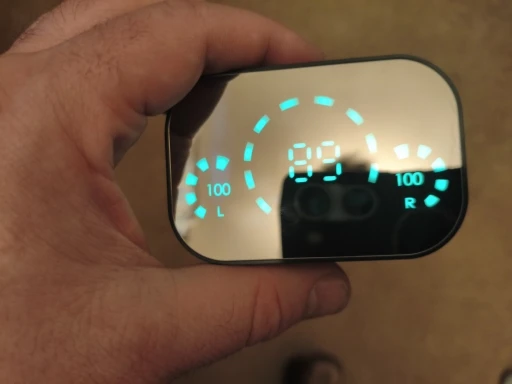
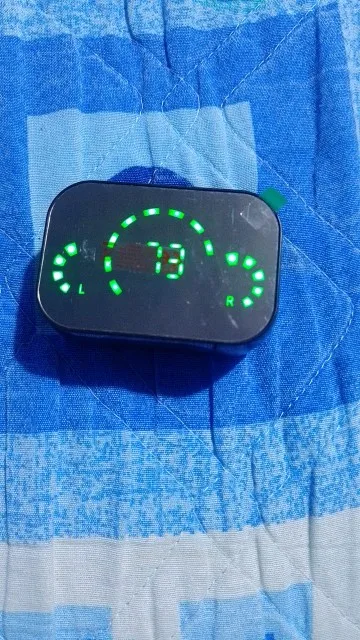
Smart LED Mirror Display: The elegant mirror-finish lid features a hidden digital display that reveals the exact battery percentage of the case and the charging status of each earbud at a glance.3
9D Surround Sound & Hi-Fi Stereo: Experience deep, resonant bass and crisp trebles. The Infurion soundstage is tuned for "9D Surround," providing an immersive 360-degree audio experience for movies and music.
CVC 8.0 Intelligent Noise Reduction: Enjoy clear conversations even in noisy environments. The built-in microphone uses noise-reduction technology to isolate your voice during calls.4
Ergonomic "Cloud-Feel" Fit: Designed to stay secure during workouts, the YD03 features a lightweight, ergonomic shape that provides hours of comfortable listening without ear fatigue.5
IPX5 Waterproof Rating: Don't let the rain stop you. The internal components are protected against sweat and splashes, making them perfect for the gym or outdoor activities.6
| Feature | Specification |
| Model | YD03 TWS Infurion |
| Bluetooth Version | V5.3 + EDR |
| Charging Case Battery | 1200mAh (with Power Bank Function) |
| Earbud Battery | 50mAh per bud |
| Total Playtime | 20–24 Hours (with Charging Case) |
| Interface | USB Output (Power Bank) + Type-C (Charging) |
| Waterproof Level | IPX5 |
| Compatibility | Android, iOS, Windows, and Bluetooth-enabled TVs |
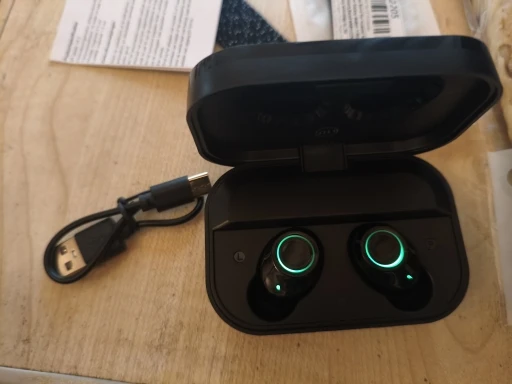
1x Pair YD03 Infurion Wireless Earbuds
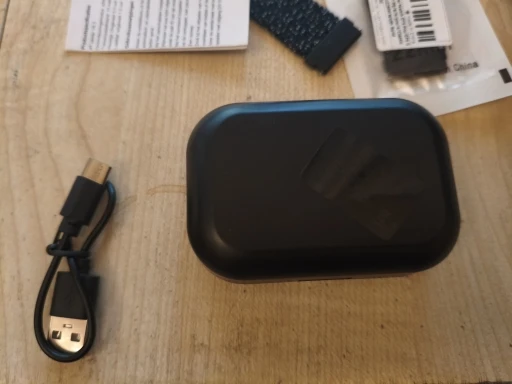
1x Smart Mirror Charging Case
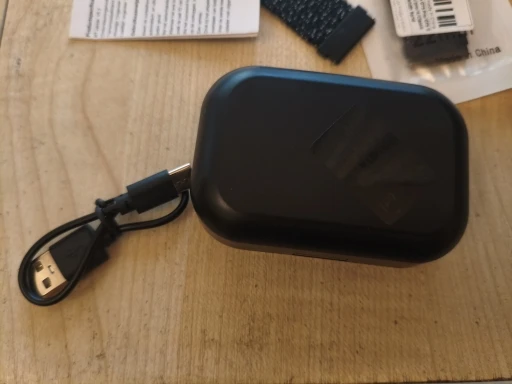
1x USB Charging Cable
2x Pairs Replacement Silicone Ear Tips
1x User Manual
Peel to Charge: Most YD03 units come with a small blue or clear plastic film on the earbud charging pins. You must remove this film for the earbuds to charge and turn on.
Syncing: Take both earbuds out of the case. The LEDs will flash Red and Blue. Wait 3–5 seconds until only one earbud flashes; this means they have successfully paired with each other.
Bluetooth Connection: Turn on your phone's Bluetooth and search for "YD03". Tap to connect.
Auto-Connect: Once paired, the earbuds will automatically connect to your phone as soon as you lift the lid of the case.
The YD03 case is designed to give your mobile phone an emergency "boost" when you have no access to a wall outlet.
The Output Port: Locate the standard USB-A port (the larger one) on the side or back of the case.
Connecting: Plug your phone’s charging cable into the case and the other end into your phone.
Charging: The case will automatically start transferring power.
Note: This feature is meant for emergency use (e.g., getting 5–15% battery to make a call). Using it to fully charge a phone will deplete the case battery quickly.
The touch-sensitive area is located on the flat "head" of the earbuds.
Play/Pause: Single-tap either earbud.
Next Song: Double-tap the Right earbud.
Previous Song: Double-tap the Left earbud.
Volume Up: Triple-tap the Right earbud.
Volume Down: Triple-tap the Left earbud.
Answer/Hang Up: Single-tap during a call.
Reject Call: Long-press for 2 seconds.
Siri/Google Assistant: Long-press for 1.5 seconds until you hear a beep.
Digital Number (Middle): Shows the remaining battery percentage of the Charging Case.
Left/Right Battery Bars: These represent the Earbuds. When the bars are moving, the buds are charging. When the bars disappear, the buds are fully charged.
| Tip | Action |
| Mirror Cleaning | Use a soft cloth to wipe the mirror lid. Avoid using alcohol or harsh chemicals, as they can cloud the finish. |
| Resetting | If only one earbud works, "Forget" the device from your phone, put both buds in the case, and take them out at exactly the same time. |
| Safe Charging | Use the provided cable with a 5V/1A charger. Avoid using "Ultra-Fast" laptop chargers, as they can overheat the 1200mAh case battery. |