Total: $0.00
Taxes and shipping calculated at checkout


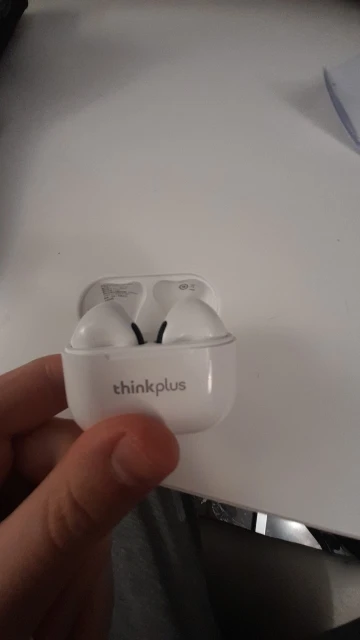
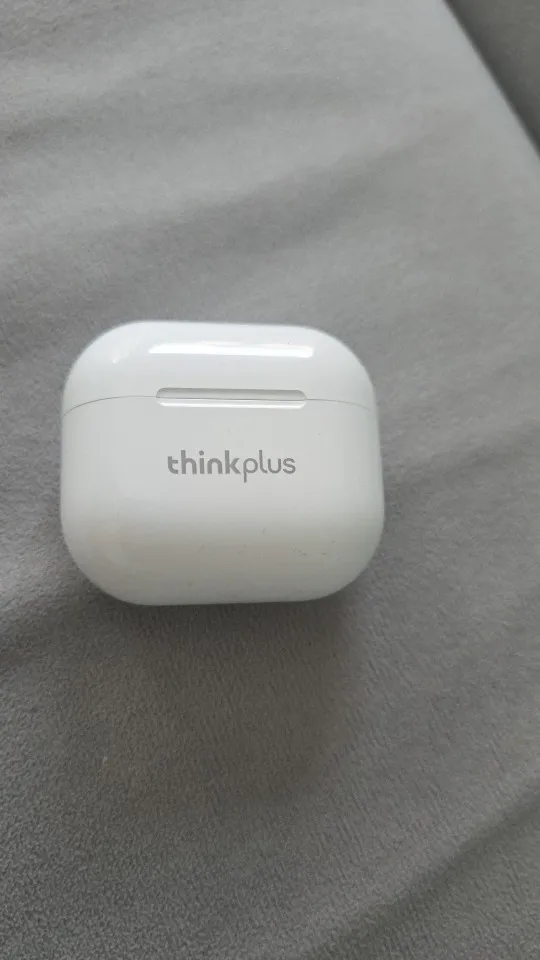
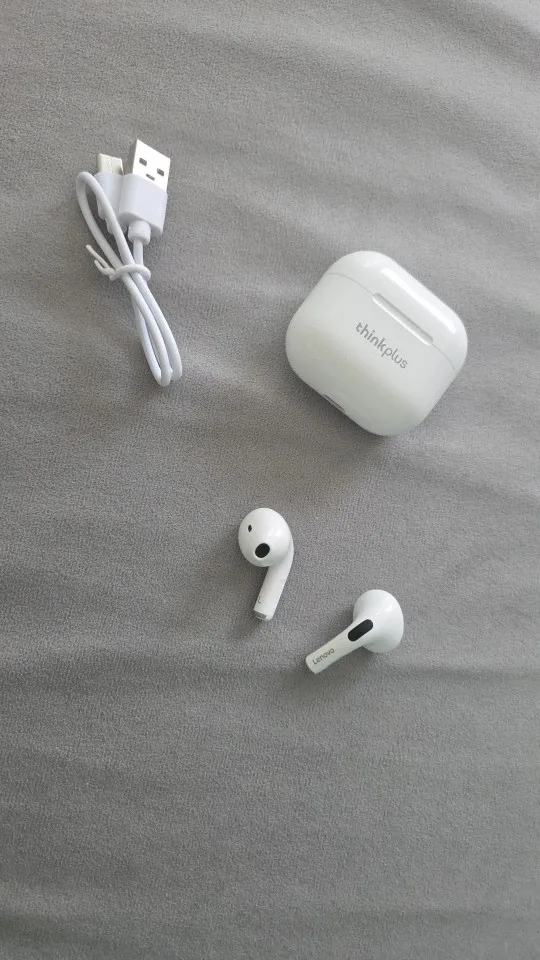
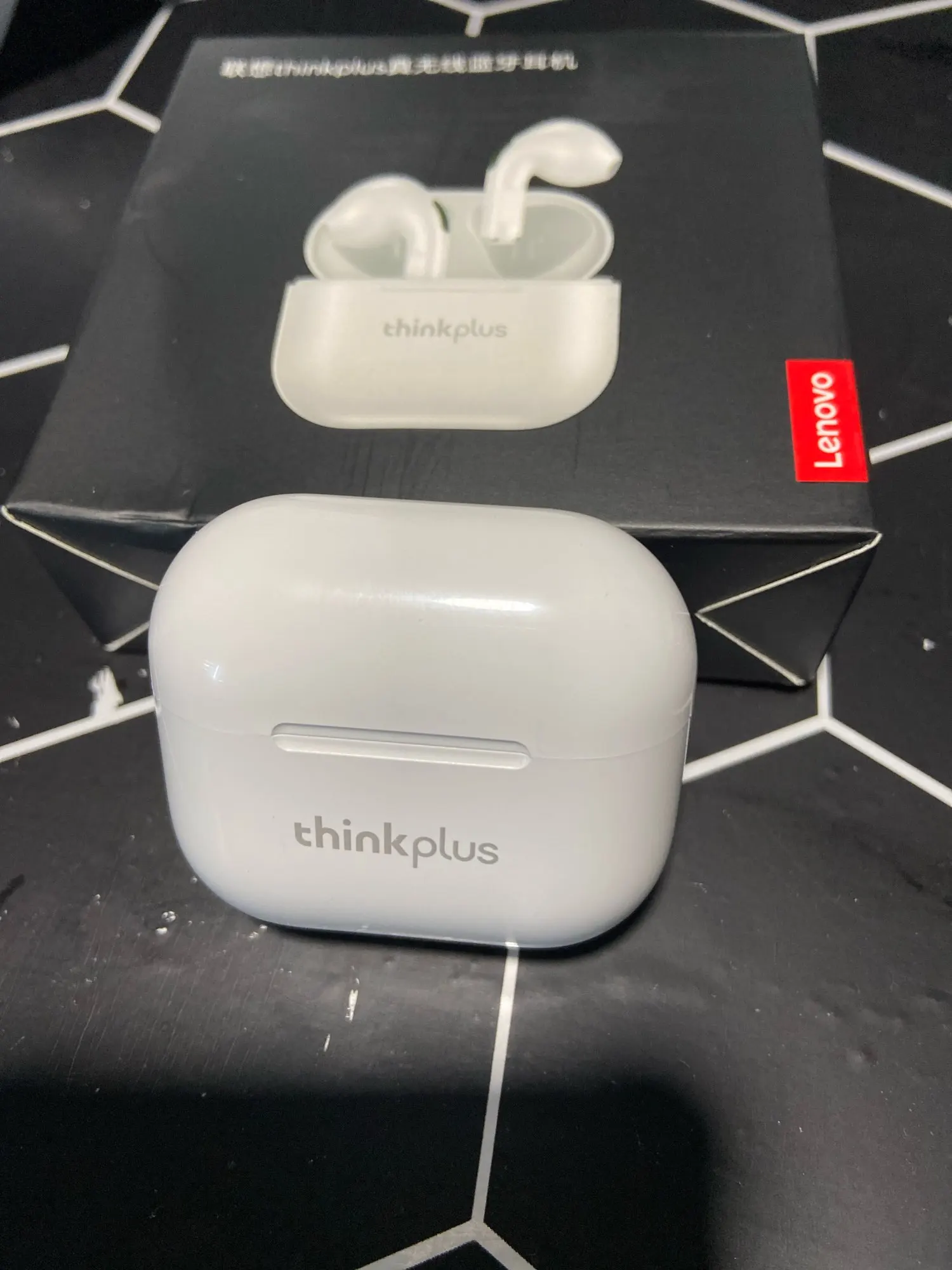
The Lenovo LP40 Pro takes the legendary performance of the original LP40 to the next level. Featuring a refined ergonomic design for superior noise isolation and an upgraded Bluetooth 5.1 chip, these earphones are built for those who demand high-quality audio without the premium price tag. Whether you are attending a virtual meeting, hitting the gym, or losing yourself in your favorite playlist, the LP40 Pro delivers a stable, high-fidelity experience that only Lenovo Global Engineering can provide.
Upgraded Bluetooth 5.1 Chip: Experience faster pairing, more stable data transmission, and lower power consumption.1 The Pro version ensures that your audio stays perfectly synced with your video, whether gaming or streaming.
Dual-Diaphragm Hi-Fi Sound: Equipped with a 13mm large dynamic driver and dual-diaphragm technology, the LP40 Pro delivers soaring highs and deep, resonant bass for a true "studio" feel.2
Physical Noise Reduction: Unlike the semi-in-ear design of the standard model, the Pro features a specialized silicone ear-tip design that physically blocks out environmental noise, allowing for deeper immersion.3
Dual Mic HD Calls: The intelligent noise reduction algorithm works with high-sensitivity microphones to isolate your voice from background chatter, making your calls crystal clear even in busy streets.4
250mAh High-Capacity Case: The compact charging case provides multiple full charges for the earbuds, extending your total listening time to nearly 20 hours.
Smart Touch Interaction: The high-precision touch sensors allow you to manage music, calls, and volume with light taps—no more painful pressure on your ears from physical buttons.5
Binaural Dual Host: Each earbud connects independently to your phone. Use one for calls while the other charges, or use both for a full stereo experience.
| Feature | Specification |
| Model | Lenovo LP40 Pro (Original) |
| Bluetooth Version | V5.1 (Upgraded) |
| Driver Diameter | 13mm Dynamic |
| Charging Case Battery | 250mAh |
| Earbud Battery | 30mAh (Each) |
| Charging Time | Approx. 1.5 Hours |
| Waterproof Level | IPX5 (Sweat & Rain Proof) |
| Charging Port | Type-C Fast Charge |
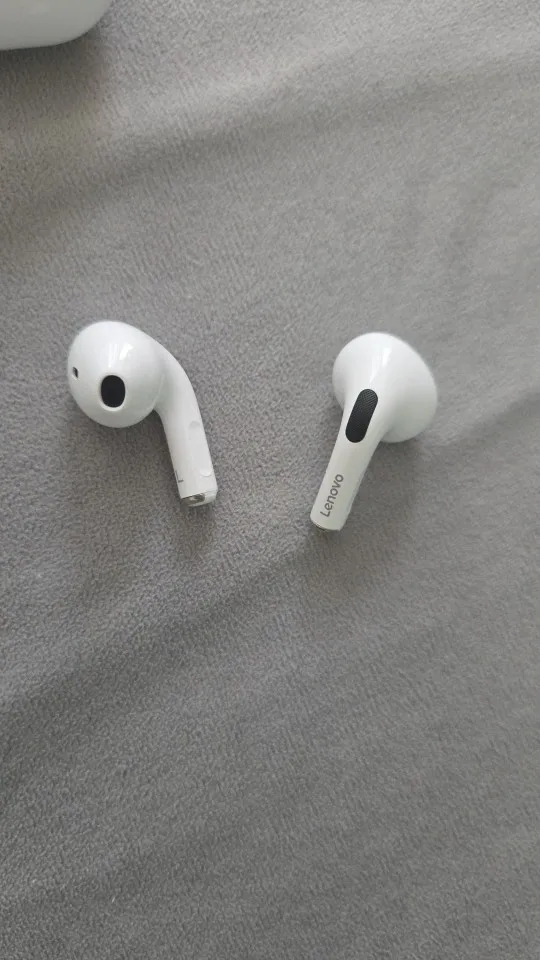
1x Pair Lenovo LP40 Pro Wireless Earbuds
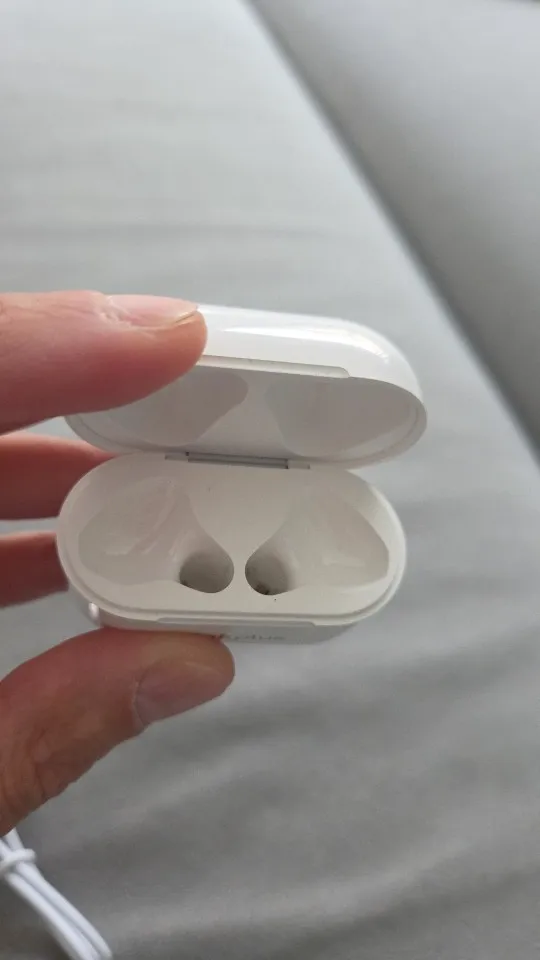
1x Compact Charging Case
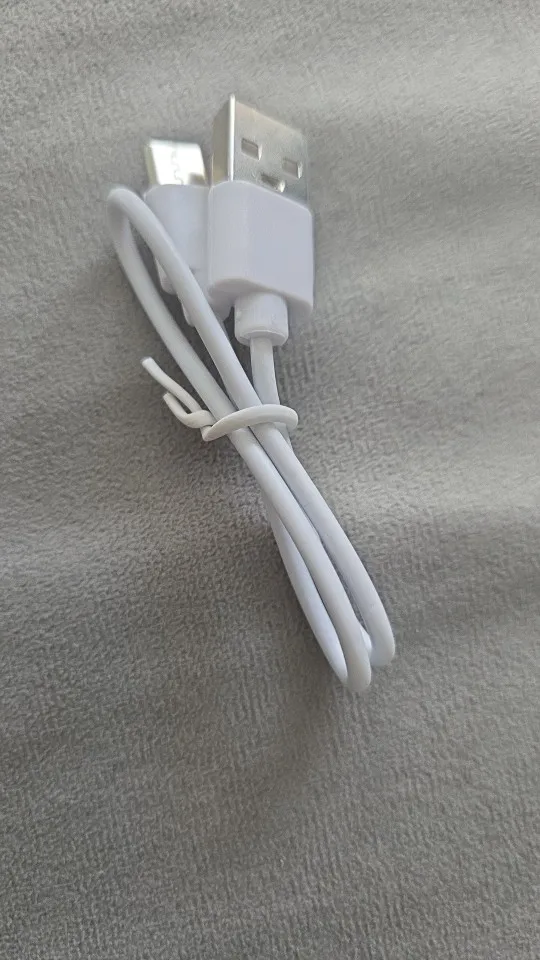
1x Type-C Fast Charging Cable
3x Pairs Ergonomic Silicone Tips (S/M/L)
1x Lenovo Authenticity Card & Manual
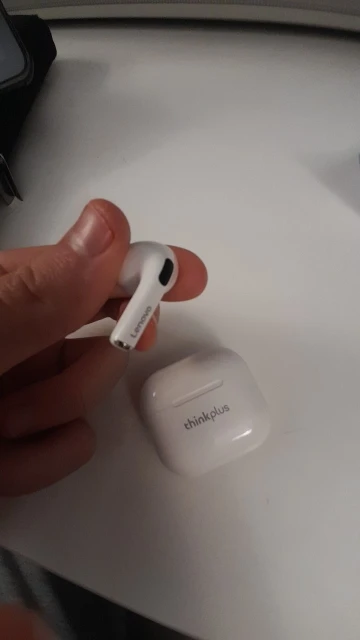
Remove Safety Film: Check the stems of the earbuds for small, transparent plastic films covering the charging pins. Remove these before placing the buds back in the case to activate them.
Auto-Pairing: Take both earbuds out of the case simultaneously. The LED indicators will flash. Wait 2–3 seconds; when the lights on one earbud stop flashing, they are synced together.
Bluetooth Connect: Open your device's Bluetooth settings and select "Lenovo LP40 Pro".
Single-Ear Mode: To use just one earbud, simply leave the other one in the case. The audio will automatically switch from Stereo to Mono.
The touch-sensitive area is located on the top of the stem.
Play/Pause: Double-tap either earbud.
Next Track: Triple-tap the Right earbud.
Previous Track: Triple-tap the Left earbud.
Volume Up: Single-tap the Right earbud.
Volume Down: Single-tap the Left earbud.
Siri/Google Assistant: Press and hold either earbud for 2 seconds.
Answer/Hang Up: Double-tap either earbud during a call.
Reject Call: Press and hold either earbud for 2 seconds during an incoming call.
Charging the Case: Plug in the provided Type-C cable. The indicator light on the front of the case will flash red/white while charging and stay solid once the 250mAh battery is full.
Charging the Buds: Place the buds in the case. A light will appear on the earbuds themselves to indicate they are receiving power.
Low Battery: When the earbuds reach 10%, you will hear a voice prompt ("Battery Low"). You should return them to the case immediately to avoid deep-discharge of the battery.
| Scenario | Recommendation |
| Resetting the Buds | If only one side is playing: Unpair from your phone. Tap both earbuds 5 times quickly while they are out of the case. Place them back, close the lid, and try pairing again. |
| Cleaning | Use a cotton swab with a tiny amount of rubbing alcohol to clean the charging pins on the stems. Sweat buildup can sometimes prevent the 250mAh case from recognizing the buds. |
| IPX5 Awareness | These are sweatproof, meaning they are great for the gym. However, do not wear them in the shower or submerge them in water, as the case itself is not waterproof. |