Total: $0.00
Taxes and shipping calculated at checkout


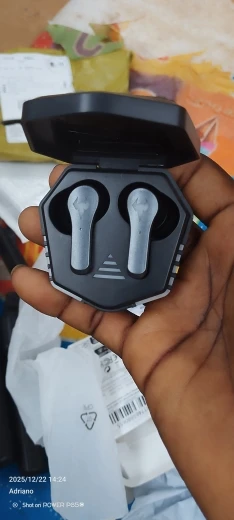
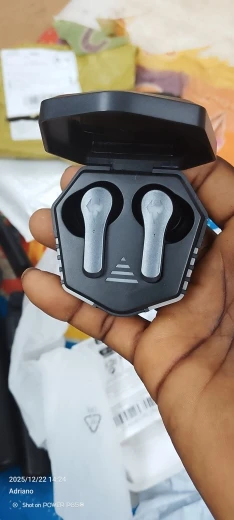
Dominating the battlefield requires split-second precision. The N35 TWS Gaming Headset is engineered for the competitive mobile gamer, combining Bluetooth 5.2 technology with an Ultra-Low Latency Game Mode.1 Experience sound without the lag and hear every footstep, reload, and gunshot with 360-degree spatial awareness.
45ms Ultra-Low Latency: Engineered for speed. Switch to Game Mode to reduce audio delay to an unnoticeable 45ms, ensuring your audio is perfectly synced with the on-screen action.
Bluetooth 5.2 Connectivity: Enjoy a rock-solid connection and faster data transmission. The upgraded 5.2 chip prevents interference even in crowded Wi-Fi environments.
Dual Mode Functionality: Seamlessly toggle between Game Mode (enhanced bass and spatial positioning) and Music Mode (high-fidelity, balanced audio) with a simple touch.2
360° Surround Sound: Specially tuned drivers provide immersive 3D stereo sound, allowing you to pinpoint enemy locations by sound alone.
Crystal Clear Gaming Mic: The built-in HD microphone features noise-reduction technology, ensuring your squad hears your callouts clearly without background distractions.3
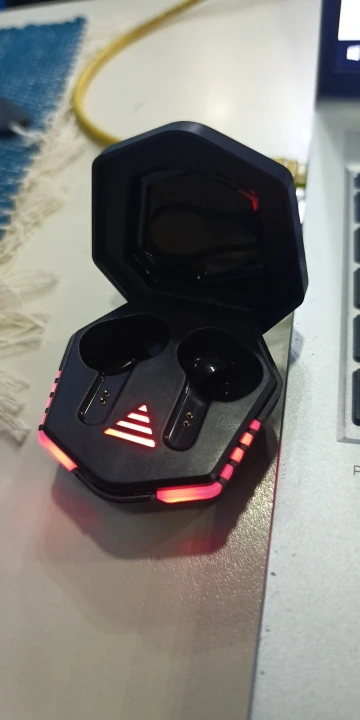
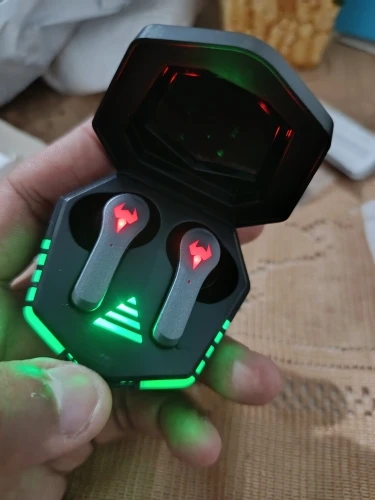
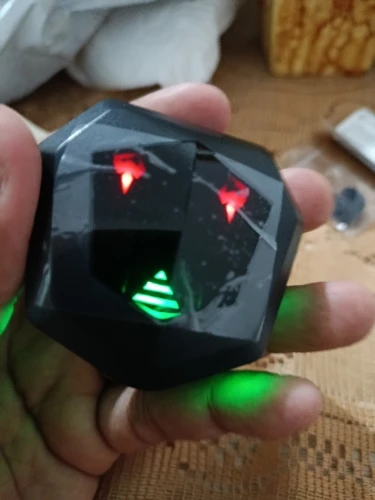
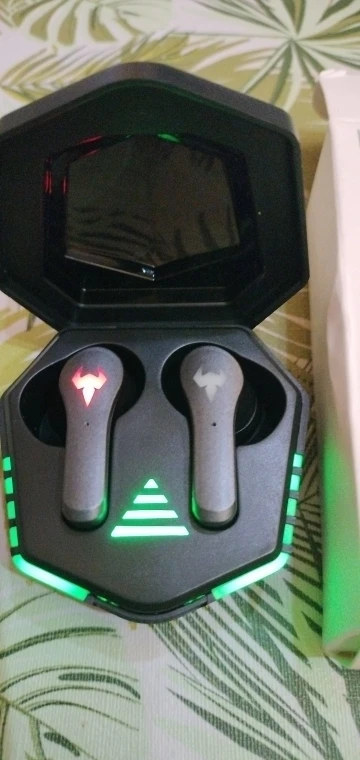
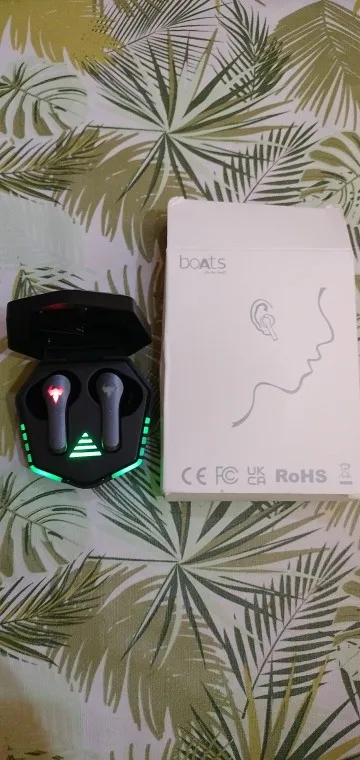
Cyberpunk LED Design: The charging case features aggressive "Breathing" LED lights that match your gaming setup and show off your style.4
| Feature | Specification |
| Model | N35 TWS Gaming |
| Bluetooth Version | V5.2 (Latest Chipset) |
| Latency Rate | 45ms - 60ms |
| Driver Size | 12mm High-Resolution |
| Battery Life | 5–6 Hours (30+ Hours with Case) |
| Waterproof Rating | IPX5 Sweatproof |
| Supported Profiles | HFP/HSP/A2DP/AVRCP |
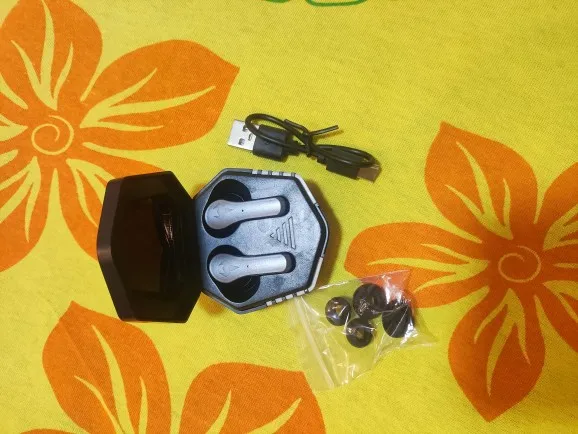
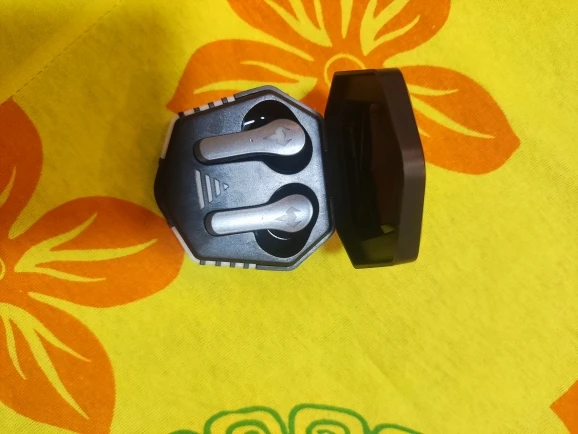
1 Pair N35 Gaming Earbuds
1x LED Breathing Charging Case
1x Type-C Fast Charging Cable
2 Pairs Spare Silicone Ear Tips (S/L)
1x Professional User Manual
Pro Tip: For the best experience, use Game Mode while playing competitive shooters like PUBG or Mobile Legends to ensure your reaction time is faster than the competition.
User Guide: N35 Gaming TWS Operations
1. Getting Started (Pairing)
Remove & Power On: Take both earbuds out of the case. The breathing LED lights will flash, indicating they are in pairing mode.
Connect: Open Bluetooth on your device (Phone, Tablet, or Laptop) and search for "N35".
Auto-Reconnect: Once paired, the earbuds will automatically connect to your device every time you remove them from the case.
2. Switching Between Modes (Essential)
The N35 features two distinct audio profiles. Switching is done via the Right Earbud:
Game Mode: Long press the Right touch sensor for 2 seconds. You will hear a voice prompt: "Game Mode" or a beep. This activates the 45ms low-latency chip.
Music Mode: Long press the Right touch sensor for 2 seconds again. You will hear: "Music Mode". This optimizes the EQ for balanced audio and battery saving.
3. Smart Touch Controls
Play/Pause: Single tap (either earbud).
Next Track: Double tap the Right earbud.
Previous Track: Double tap the Left earbud.
Volume Up: Triple tap the Right earbud.
Volume Down: Triple tap the Left earbud.
Call Control: Single tap to Answer/Hang up; Long press for 2 seconds to Reject.
Voice Assistant: Long press the Left earbud for 2 seconds to wake Siri or Google Assistant.
4. Charging & LED Indicators
Case Charging: Use the provided Type-C cable. The LED "eyes" on the case will breathe/flash while charging.
Earbud Charging: Place them in the case. The LEDs on the earbuds will stay lit until they are fully charged (approx. 1 hour).