Total: $0.00
Taxes and shipping calculated at checkout


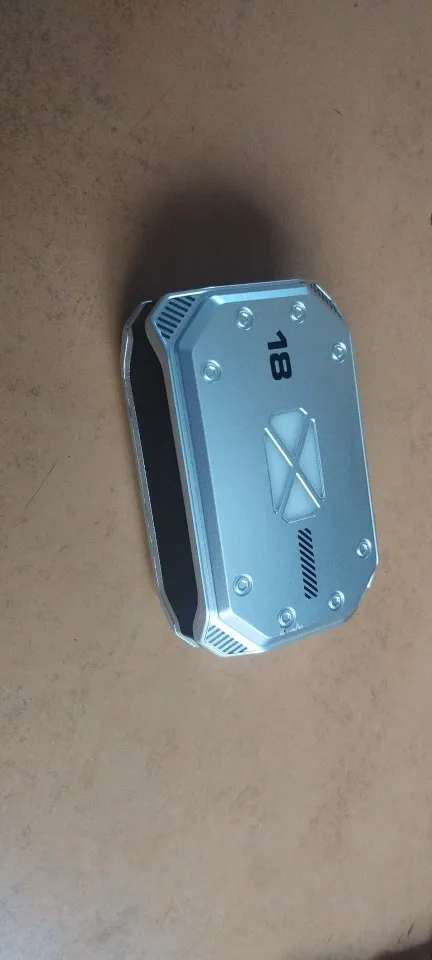
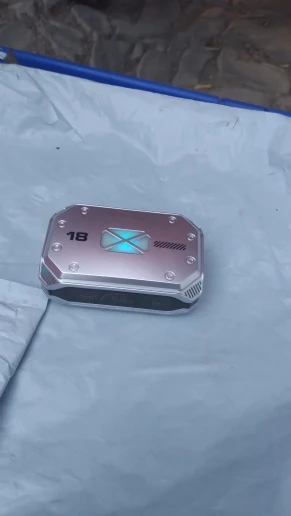
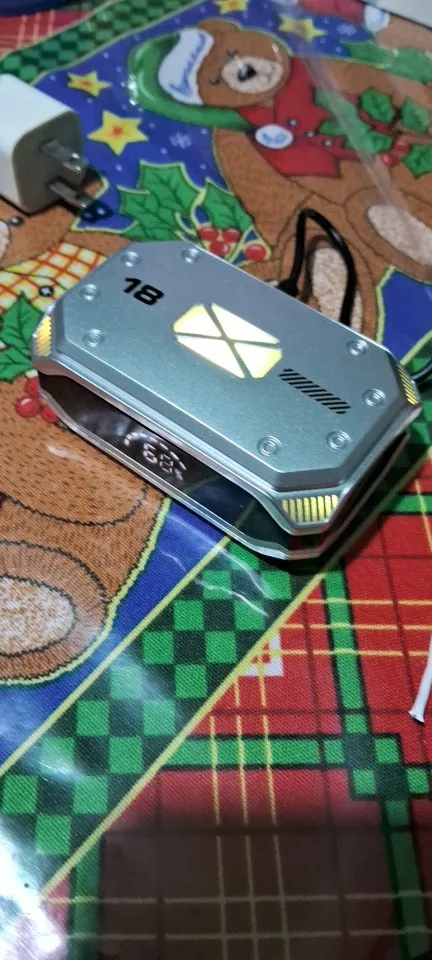
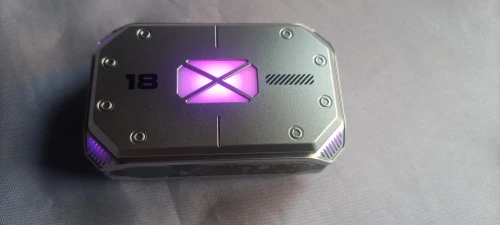
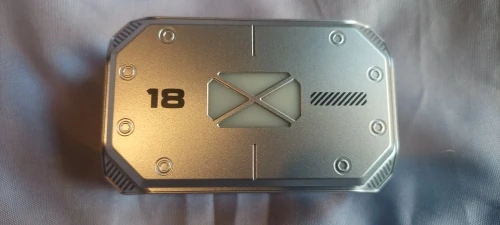
Take your mobile gaming and audio experience to the next level with the M41 TWS. Engineered with a rugged, tactical design and the latest Bluetooth 5.3 chip, these earbuds are built for low-latency performance and high-impact sound.1 Featuring a stunning Dual LED Power Display and massive battery capacity, the M41 ensures you’re always powered up and ready for battle.
Next-Gen Bluetooth 5.3: Enjoy lightning-fast pairing and an ultra-stable connection.2 The 5.3 chip reduces power consumption and eliminates audio dropouts during critical gaming moments.
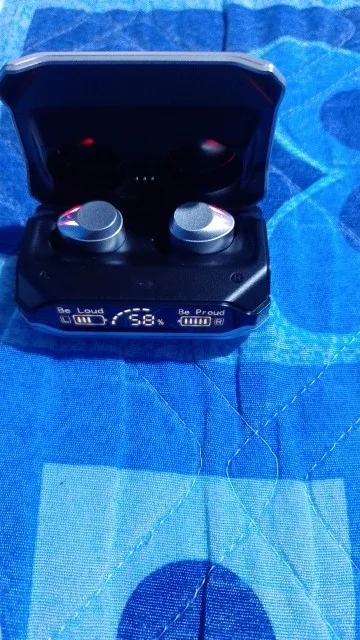
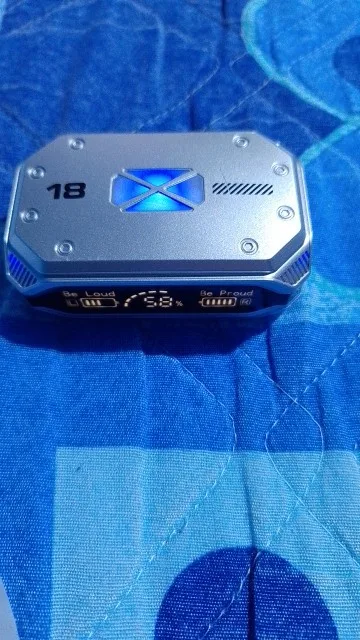
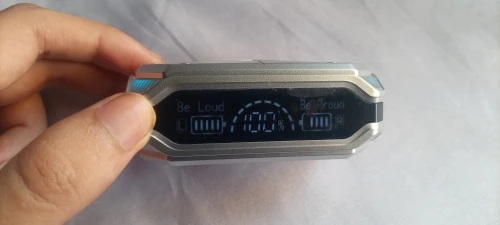
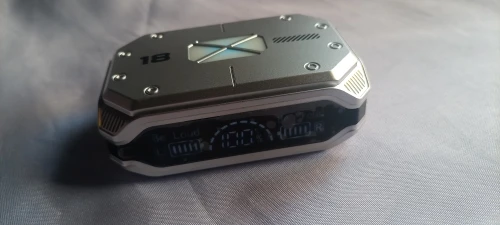
Dual LED Digital Display: The high-definition mirror case shows the exact battery percentage of the charging box and individual power bars for the left and right earbuds. Never guess your charge again.
ENC Noise Reduction Technology: The M41 uses Environmental Noise Cancellation (ENC) to filter out ambient sounds, ensuring your voice is crystal clear for squad chat or business calls.3
Heavy Bass 9D Stereo Sound: Equipped with large-diameter moving coil units, the M41 delivers a "Heavy Bass" profile that adds physical impact to explosions in games and depth to your music.
Ultra-Low Latency Gaming Mode: Specifically tuned for games like PUBG and Call of Duty, this mode reduces audio delay to ensure that what you see is exactly what you hear.
IPX7 Professional Waterproofing: Designed to handle the elements. The M41 is resistant to heavy sweat and rain, making it perfect for intense workouts and outdoor use.4
Emergency Power Bank Feature: The large-capacity charging case can provide an emergency boost to your smartphone via the USB output port.5
| Feature | Specification |
| Model | M41 TWS (Tactical Edition) |
| Bluetooth Version | V5.3 + EDR |
| Display Type | Smart Dual LED Digital Display |
| Noise Cancellation | ENC (Environmental Noise Cancelling) |
| Latency | 45ms - 60ms (Low Latency Mode) |
| Waterproof Rating | IPX7 |
| Charging Case Battery | 1200mAh - 2000mAh (Model Dependent) |
| Compatibility | Universal (iOS, Android, Windows, Consoles) |
1x Pair M41 Wireless Earbuds
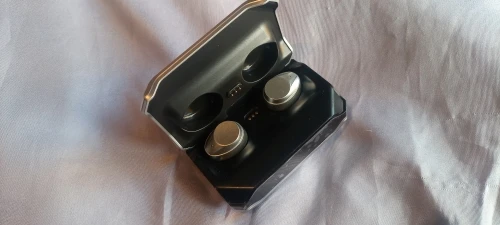
1x Tactical Charging Case with LED Display
1x USB-C Fast Charging Cable
3x Pairs "Secure-Fit" Silicone Ear Tips (S/M/L)
1x User Manual
Remove Insulation: Check the bottom of the earbuds for any transparent protective film on the charging pins. Remove it and place the buds back in the case.
Auto-Pairing: Take both earbuds out of the case. The LED display will light up, and the earbuds will flash. Wait 3 seconds for them to "handshake" and sync to each other.
Bluetooth Search: Open your phone's Bluetooth menu and select "M41".
Binaural Use: Once paired, you can use either earbud alone or both together; the connection switches seamlessly.
The Center Number: Displays the current battery percentage of the Charging Case.
The Left/Right Bars: Represent the battery level of the Individual Earbuds. When the bars are moving (scrolling), the buds are currently being charged by the case.
The M41 uses a high-sensitivity touch surface on the back of each earbud.
Play/Pause: Single-tap either earbud.
Next Song: Double-tap the Right earbud.
Previous Song: Double-tap the Left earbud.
Volume Up: Triple-tap the Right earbud.
Volume Down: Triple-tap the Left earbud.
Siri/Voice Assistant: Long press for 2 seconds.
Switch Game/Music Mode: Long press the Right earbud for 3 seconds.
If your phone is dying and you don't have a wall outlet:
Connect your phone’s charging cable to the Large USB-A Port on the side of the M41 case.
The case will automatically begin transferring its stored energy to your smartphone.
Note: This is intended for emergency boosts (5-10%) to keep your phone alive for calls, not for a full 0-100% charge.
| Scenario | Recommendation |
| Cleaning | Use a dry microfiber cloth to wipe the LED mirror surface to keep it scratch-free and clear. |
| Resetting | If the buds won't sync, "Forget" M41 on your phone. Tap both buds 5 times quickly while they are out of the case to reset the pairing memory. |
| Charging | Always use a 5V/1A adapter. Avoid using high-wattage "Super Chargers" (65W+) as they can shorten the lifespan of the internal battery over time. |
To ensure the lowest possible latency in games like PUBG or Mobile Legends, always manually toggle into Game Mode. You will hear a voice prompt saying "Game Mode"—this activates the high-performance chip to ensure your audio is perfectly synced with the muzzle flash of your weapon.