Total: $0.00
Taxes and shipping calculated at checkout


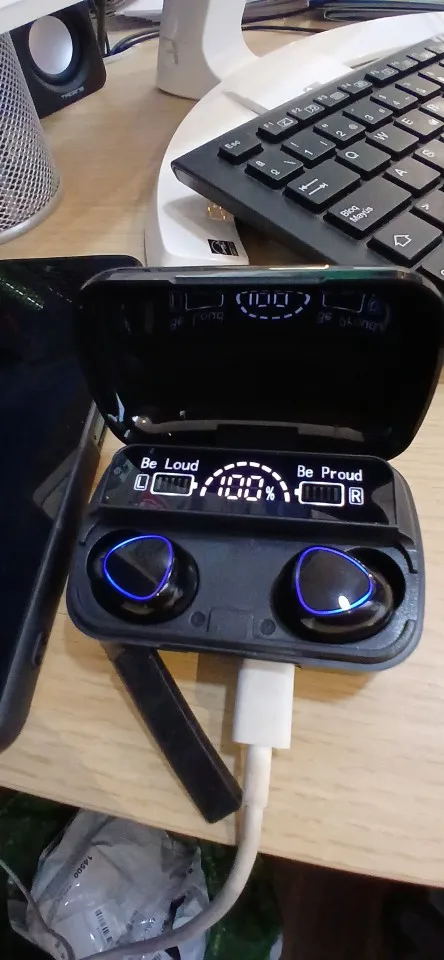
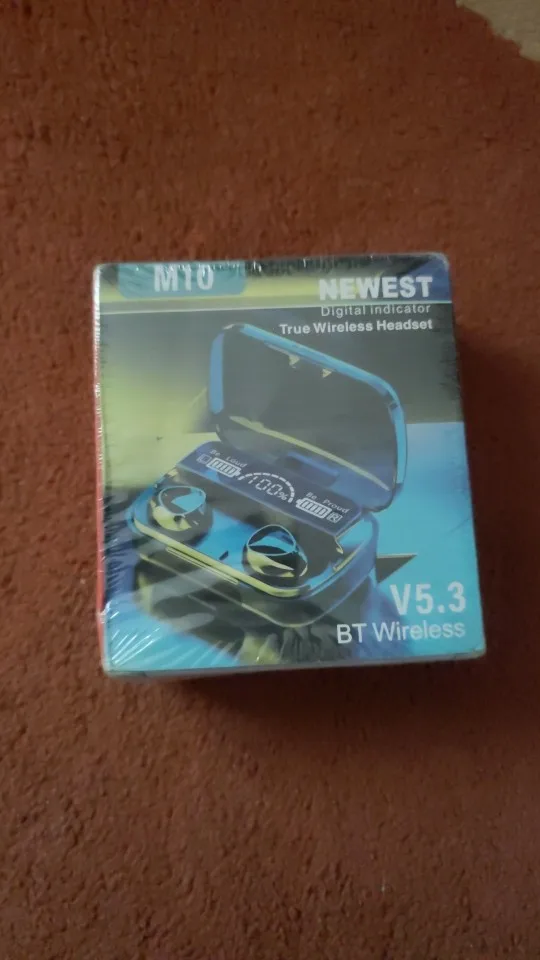
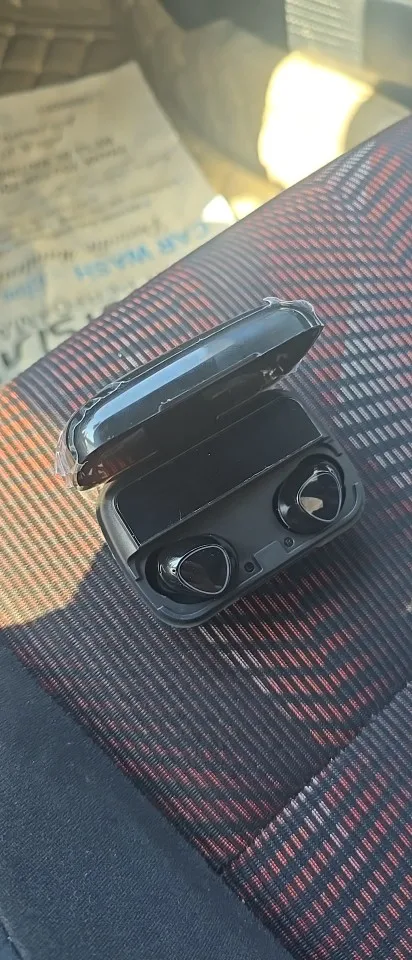
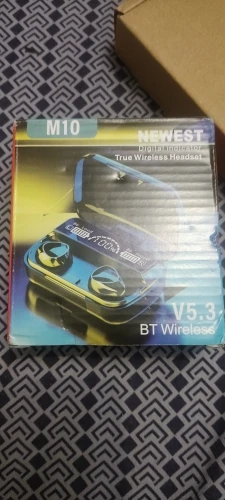
Experience high-quality wireless audio with M10 Wireless Earbuds, designed for comfort, convenience, and crystal-clear sound. These true wireless stereo (TWS) earbuds deliver HD sound, deep bass, and smooth calls, making them ideal for music, gaming, workouts, and hands-free calling.
With stable Bluetooth connectivity, the M10 earbuds pair instantly with Android and iOS devices, ensuring low latency and uninterrupted audio. The ergonomic design provides a secure and comfortable fit for long listening sessions, while the compact charging case keeps your earbuds charged on-the-go.
True Wireless Stereo (TWS) – Completely cable-free audio experience
HD Sound & Deep Bass – Enjoy music and calls in crystal-clear quality
Touch / MFB Controls – Manage music, calls, and power easily
Built-in Microphone – Hands-free calling with clear voice quality
Fast Bluetooth Pairing – Stable connection with low latency
Ergonomic & Lightweight Design – Comfortable for extended use
Portable Charging Case – Extended battery life for all-day use
Android smartphones
iPhone / iOS devices
Tablets & other Bluetooth-enabled devices
🎵 Music & entertainment
📞 Hands-free calls
🎮 Casual gaming
🏃 Daily commuting & workouts
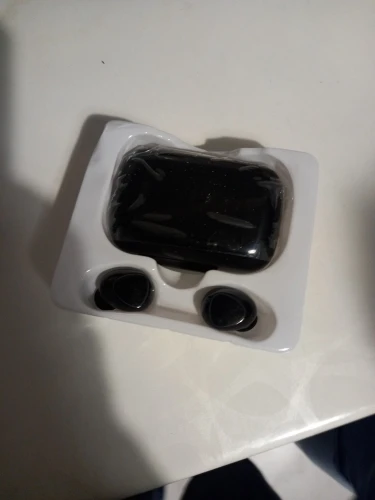
1 × Pair of M10 Wireless Earbuds
1 × Charging Case
1 × Charging Cable
Fully charge the charging case using the provided USB cable.
Place both earbuds inside the case and close the lid.
Indicator lights will show the charging status.
Open the charging case; earbuds will automatically turn ON.
Enable Bluetooth on your mobile device.
Search for “M10” in available devices and tap to connect.
After first pairing, earbuds will auto-connect when the case is opened.
Remove earbuds from the case and place them comfortably in your ears.
Adjust for a secure and stable fit.
Single Tap: Play / Pause music
Double Tap: Answer / End calls
Long Press: Power OFF / Reject call
(Control functions may vary slightly depending on device)
Built-in microphone allows hands-free calling.
Speak normally for clear voice quality.
Place earbuds back into the charging case after use.
Earbuds will automatically start charging.
Close the lid to maintain battery life.
Once paired, earbuds will automatically reconnect to the last connected device when the case is opened.
Keep away from water and extreme heat.
Clean earbuds gently with a soft, dry cloth.
Store earbuds in the charging case when not in use.