Total: $0.00
Taxes and shipping calculated at checkout


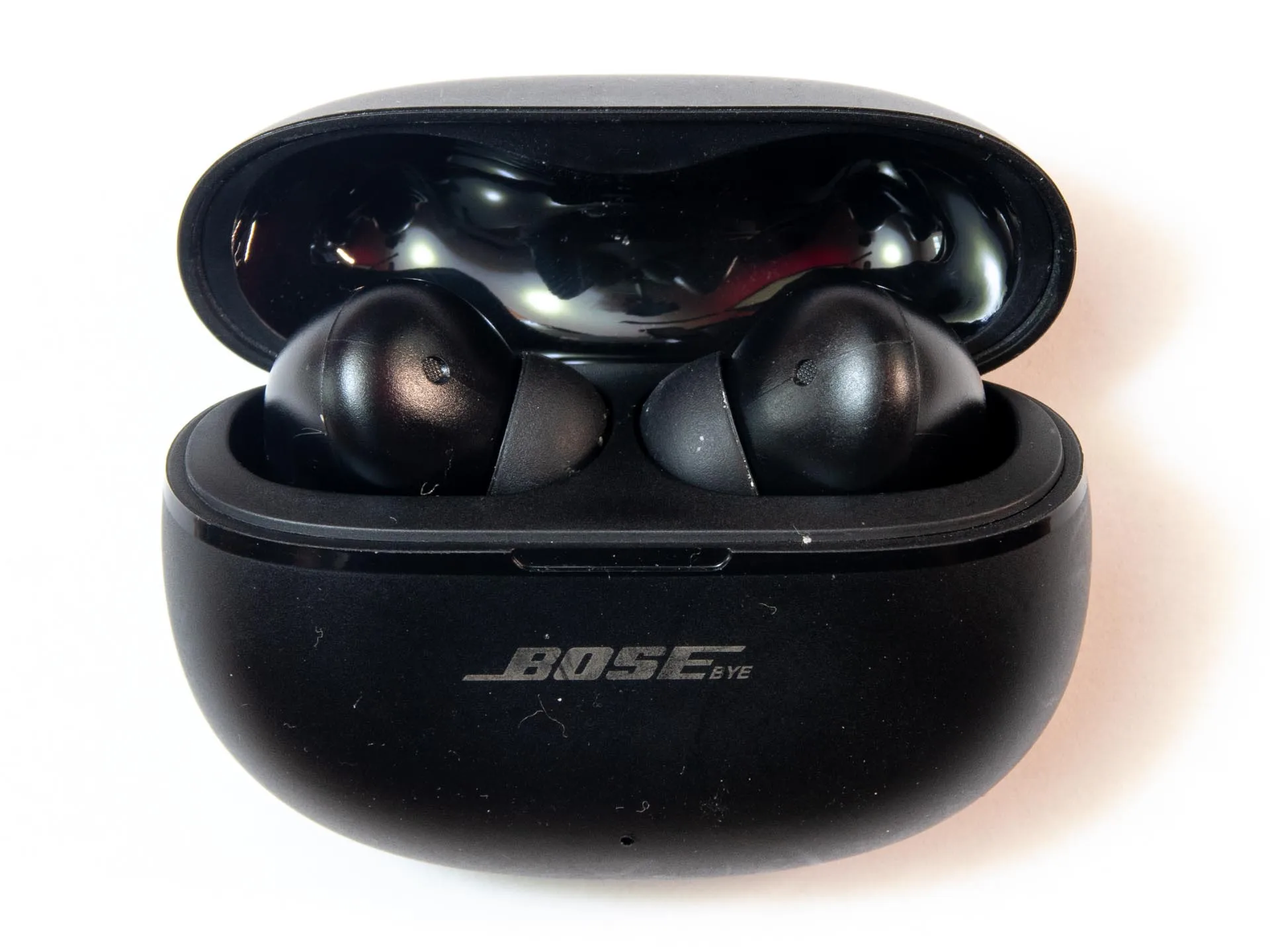
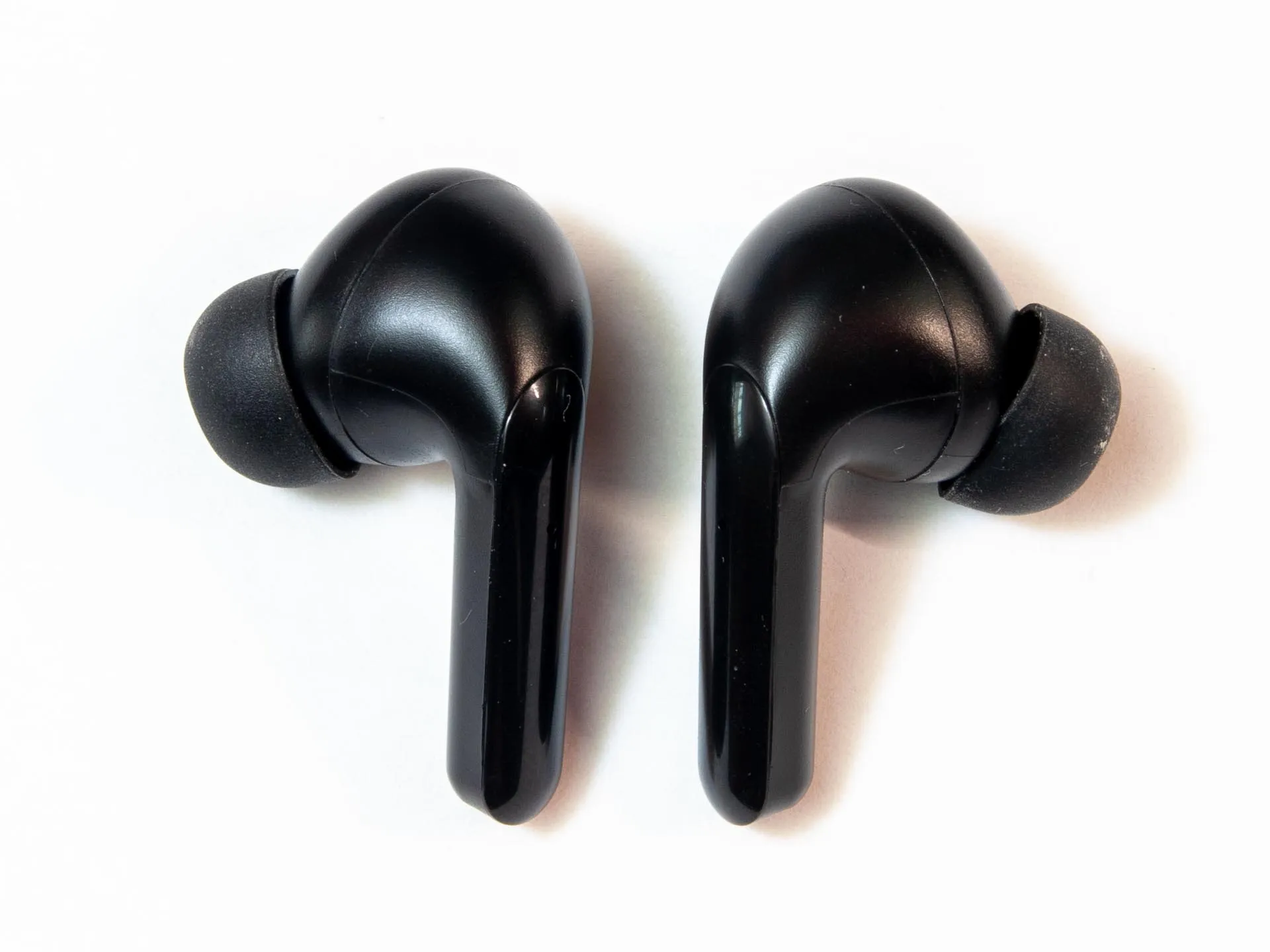
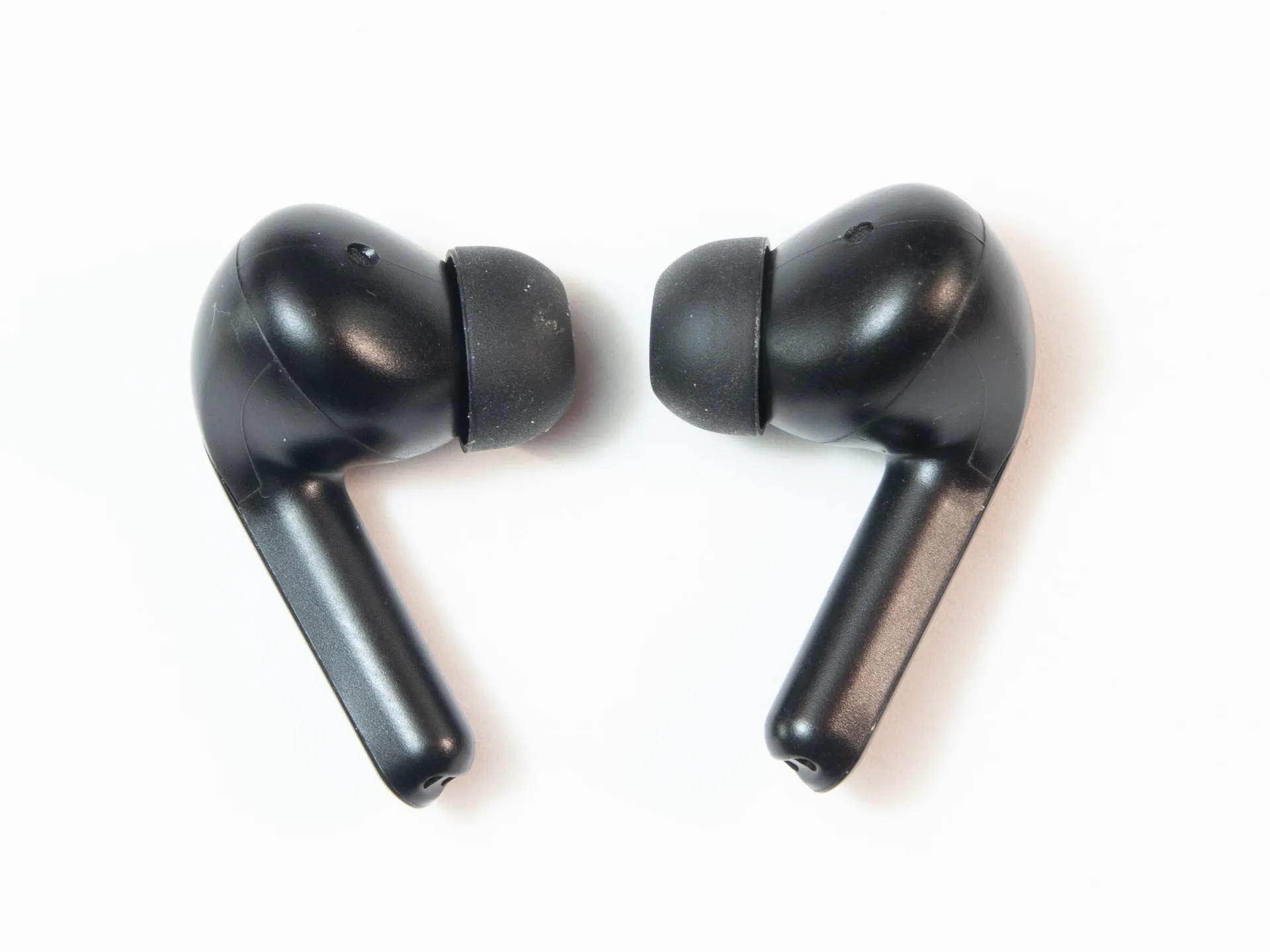
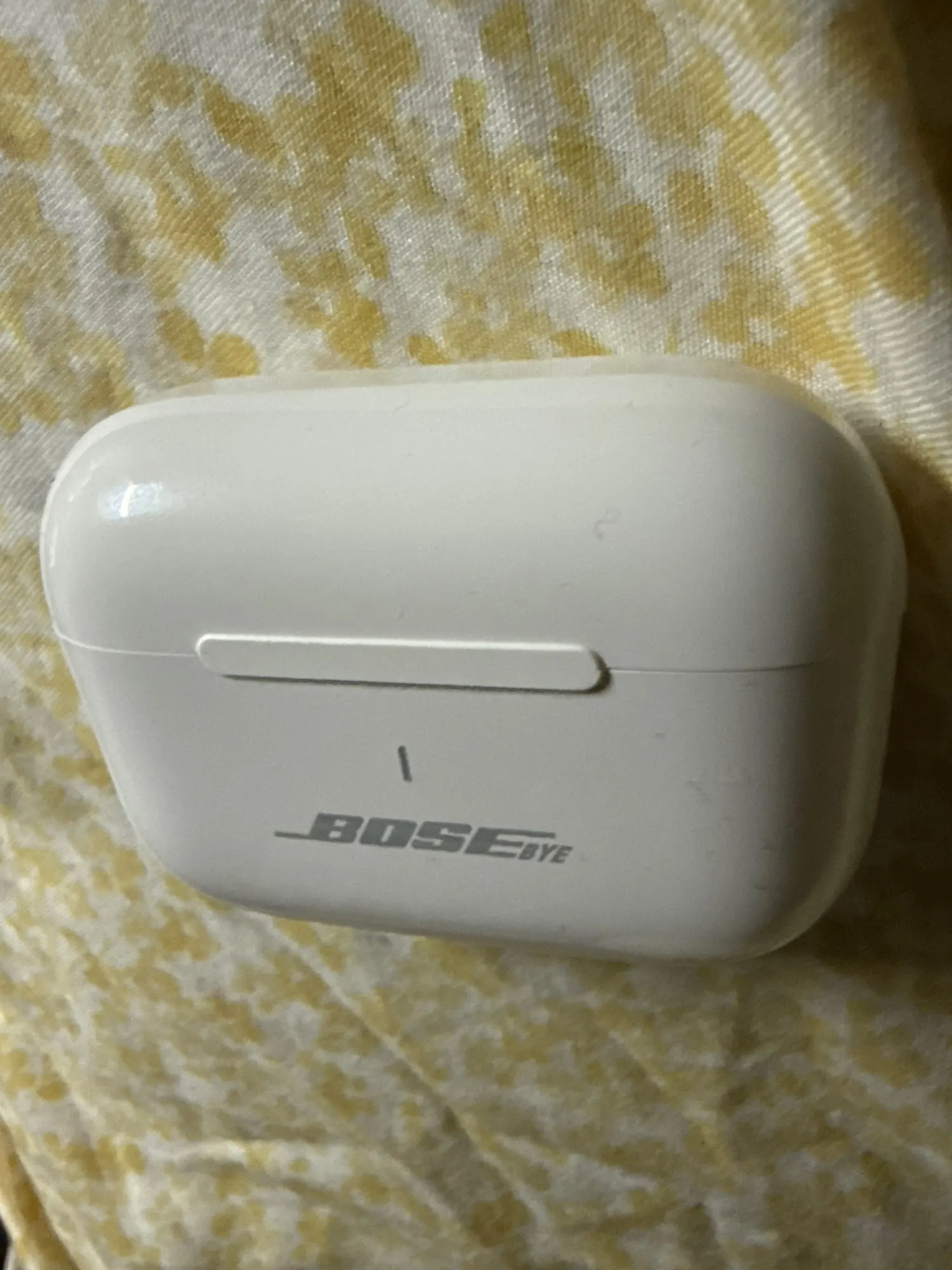
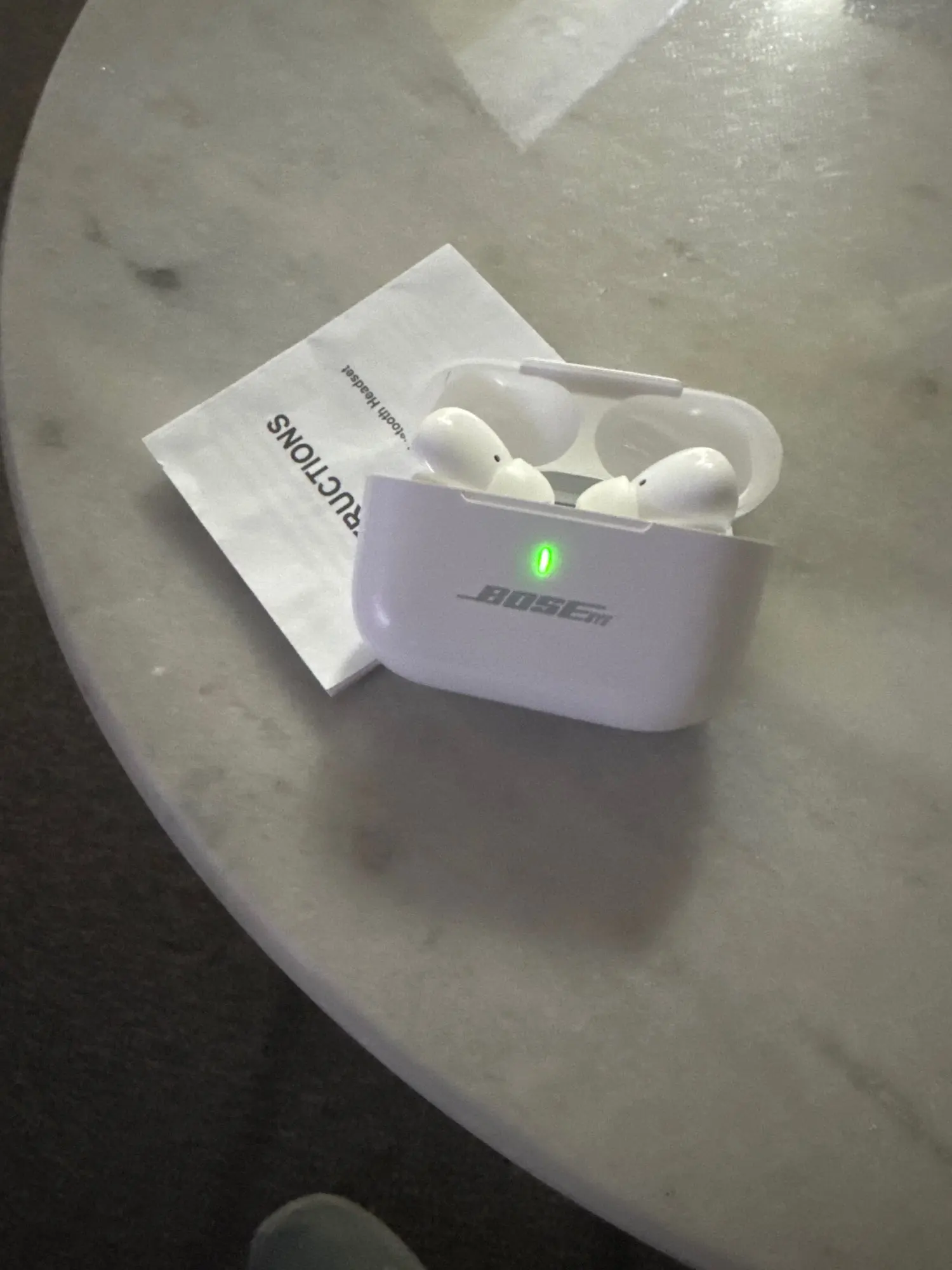
Elevate your audio experience with the Lunar Airpods Pro. Designed for the modern listener, these True Wireless Earbuds combine the iconic "Pro" silhouette with advanced Environmental Noise Cancellation (ENC). Whether you are navigating a busy street, working from a noisy café, or hitting the gym, the Lunar Airpods Pro deliver immersive Hi-Fi stereo sound and professional-grade call clarity in a sleek, compact package.
Advanced ENC Noise Cancellation: Say goodbye to background distractions. The Environmental Noise Cancellation (ENC) technology uses a high-sensitivity microphone to filter out external sounds during calls, ensuring your voice is the only thing your listeners hear.
Immersive Hi-Fi Stereo: Tuned for a wide soundstage, these earbuds deliver deep, punchy bass and sparkling highs.1 Enjoy a cinematic audio experience for your favorite music, movies, and podcasts.
5 Hours of Continuous Power: Get up to 5 hours of non-stop playback on a single charge. Combined with the pocket-sized charging case, you have enough juice to power through your entire day.
Seamless Smart Touch Controls: No more fumbling with buttons. Manage your music, answer calls, and activate your voice assistant with intuitive touch gestures on the stems.
Bluetooth 5.3 Stability: Experience "Instant-On" pairing and a rock-solid wireless connection. Bluetooth 5.3 reduces latency and ensures a lag-free experience for streaming and light gaming.2
Ergonomic Snug-Fit: The lightweight design and soft silicone ear tips provide a secure seal.3 This not only ensures comfort for hours of wear but also provides passive noise isolation to enhance your music.
Universal Compatibility: Works flawlessly with iOS, Android, Windows, and any Bluetooth-enabled device.
| Feature | Specification |
| Model | Lunar Airpods Pro (ENC Edition) |
| Bluetooth Version | V5.3 (Ultra-Stable) |
| Noise Cancellation | ENC (Environmental Noise Cancellation) |
| Single Playtime | Up to 5 Hours |
| Total Playtime | Up to 20 Hours (with Case) |
| Charging Interface | Lightning / Type-C (Model Dependent) |
| Sound Driver | 10mm Dynamic Hi-Fi Driver |
| Waterproof Rating | IPX4 (Sweat & Splash Resistant) |
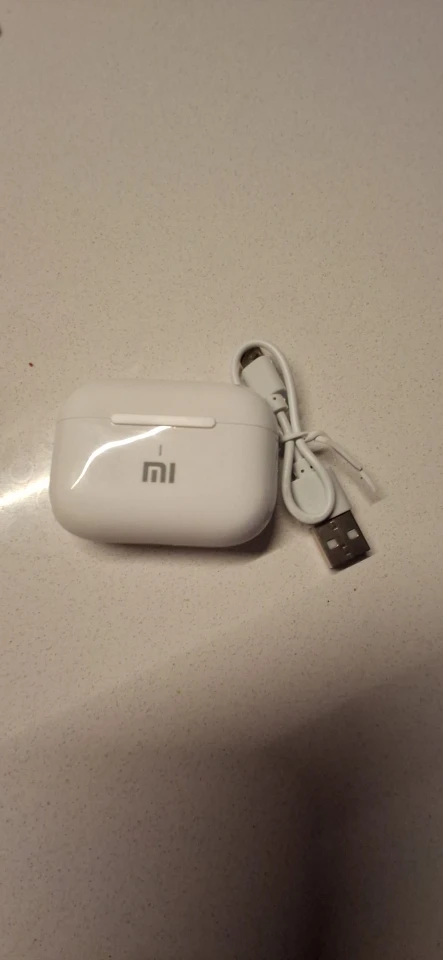
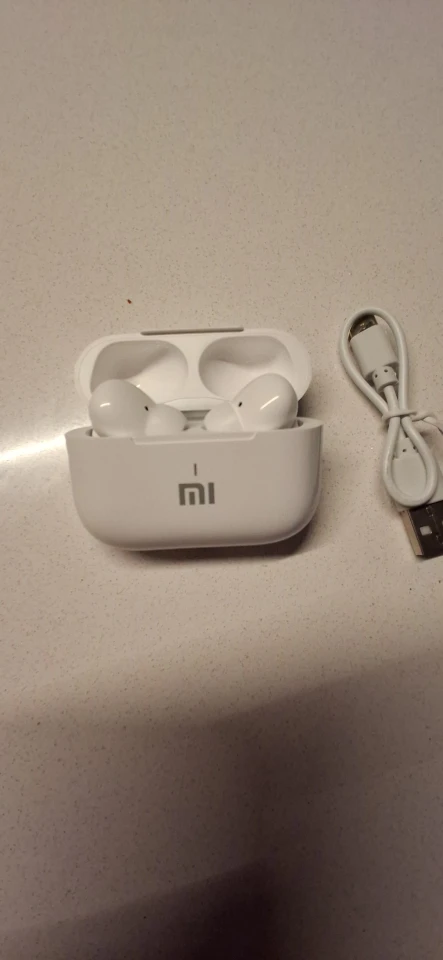
1x Pair Lunar Airpods Pro Wireless Earbuds
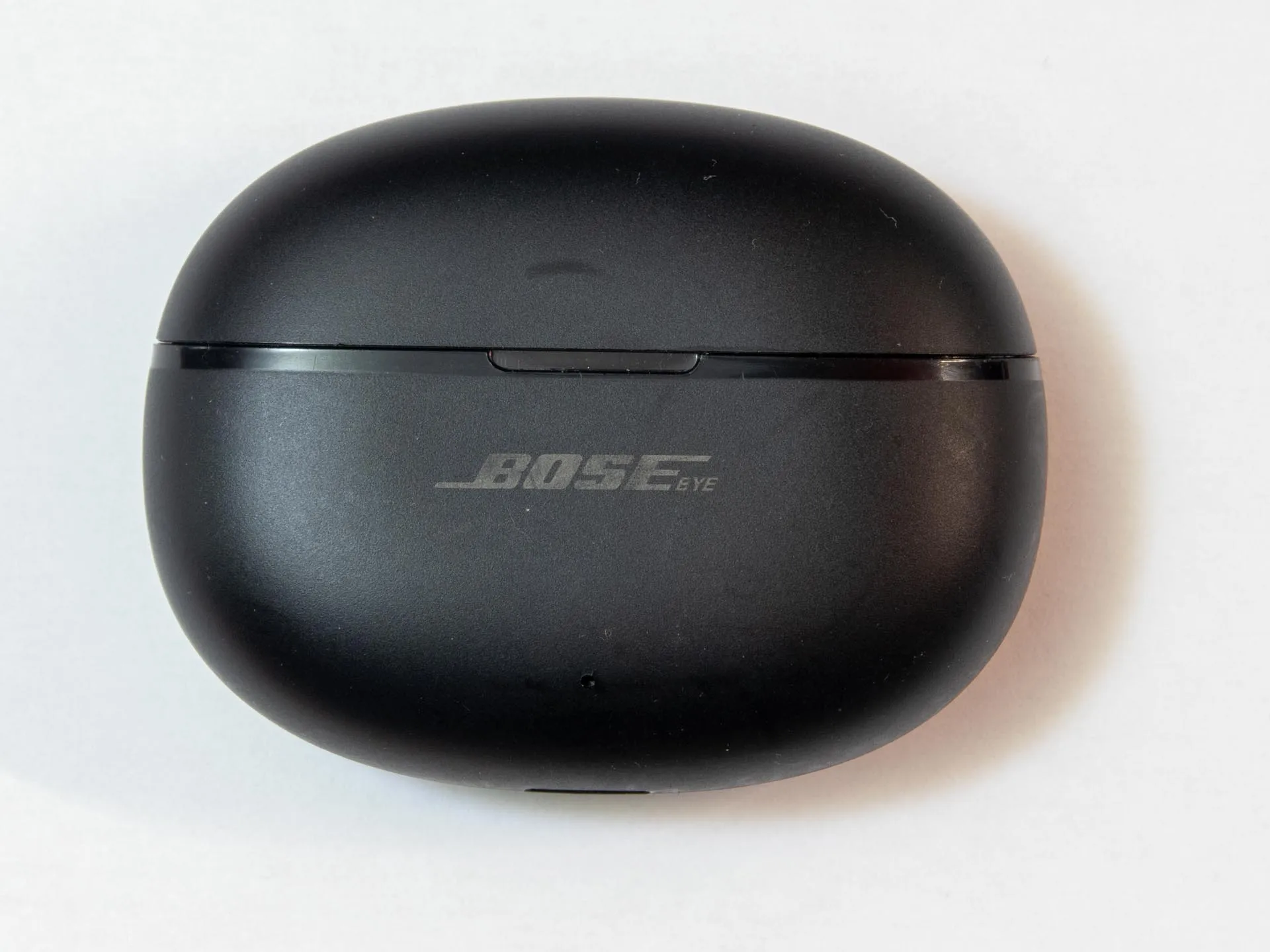
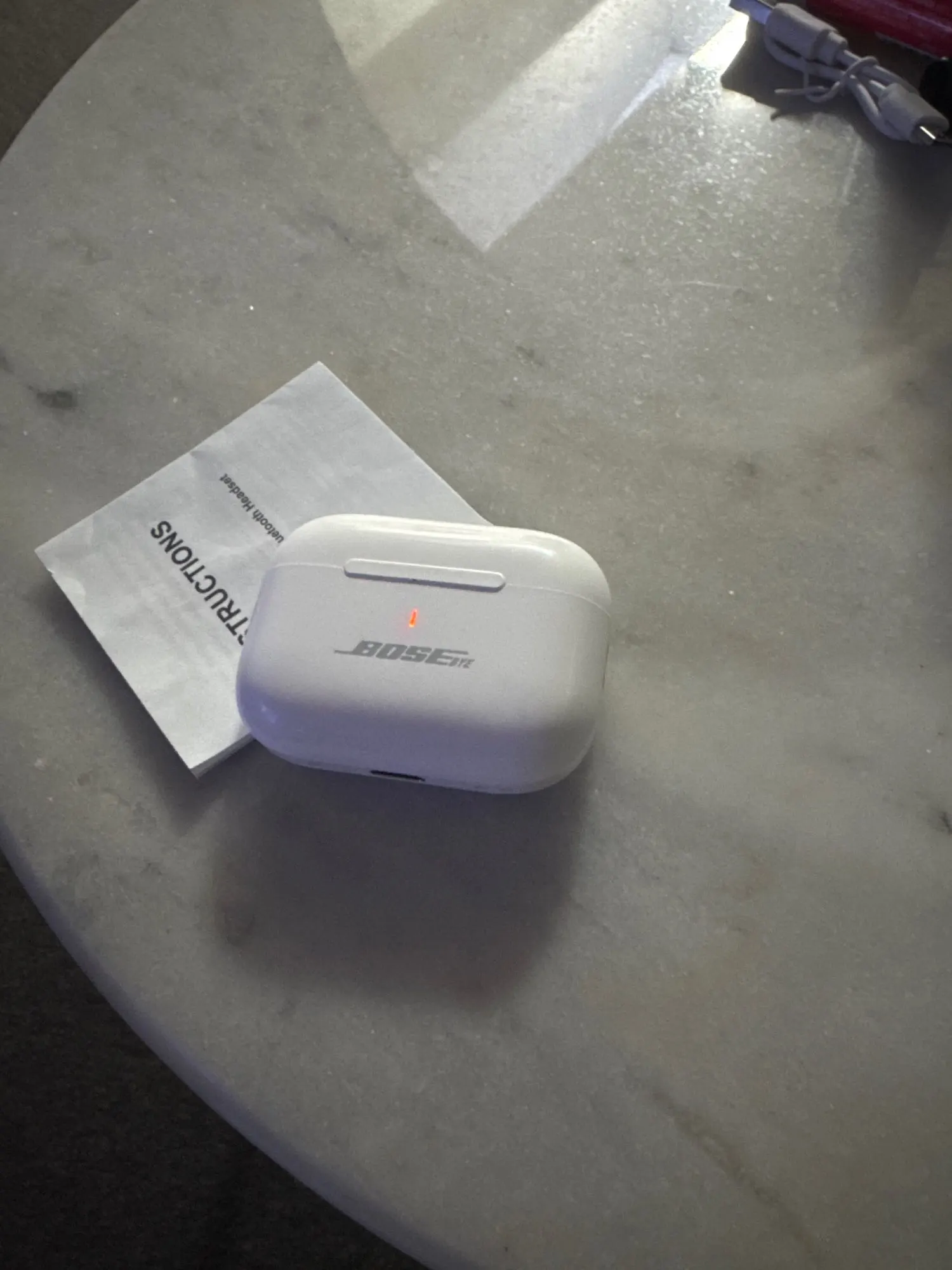
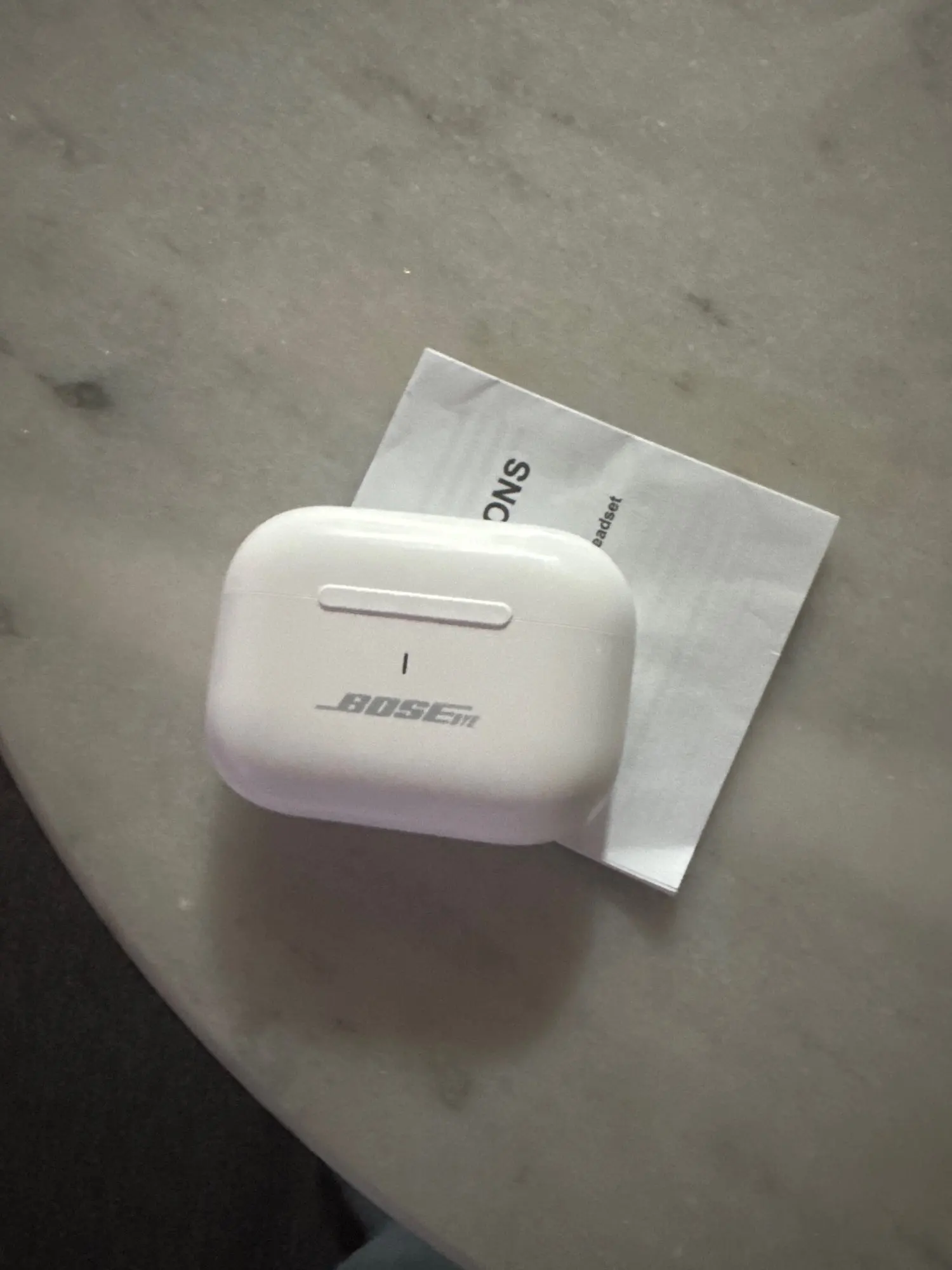
1x Smart Portable Charging Case
1x Fast Charging Cable
3x Pairs Comfort-Fit Silicone Tips (S/M/L)
1x User Manual
Activate the Buds: Open the case lid. Do not remove the earbuds yet.
Handshake Mode: Wait 3 seconds for the earbuds to communicate with each other.
Bluetooth Connection: Open your phone's Bluetooth settings and select "Lunar Airpods Pro".
Instant Connect: Once paired, the earbuds will automatically connect to your device the moment you open the case lid in the future.
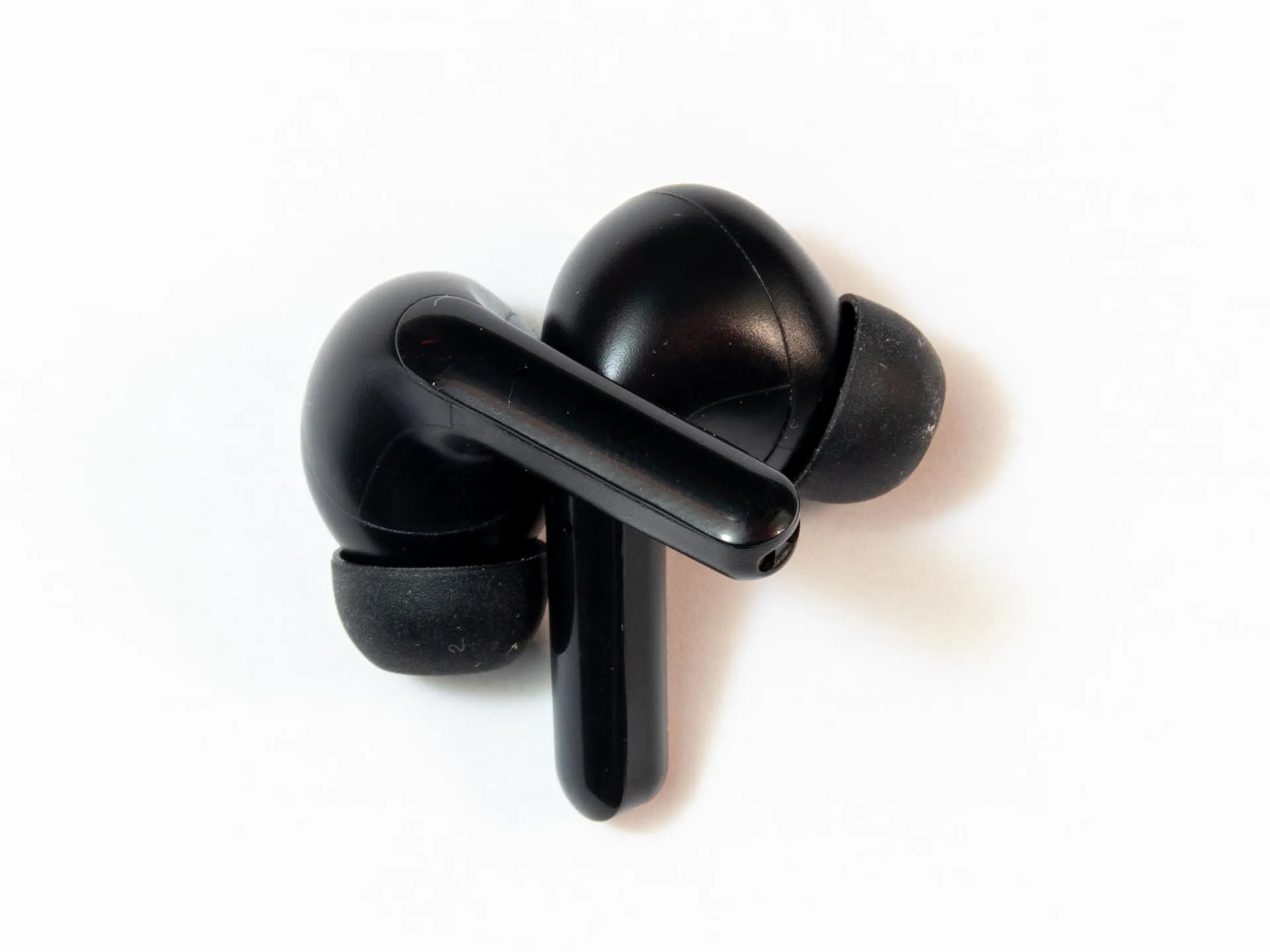
The touch-sensitive area is located on the flat "groove" of the earbud stem.
Play/Pause: Single-tap the stem of either earbud.
Next Track: Double-tap the Right earbud.
Previous Track: Double-tap the Left earbud.
Answer/End Call: Single-tap either earbud when a call comes in.
Reject Call: Long-press (2 seconds) the stem during an incoming call.
Voice Assistant (Siri/Google): Triple-tap the stem of either earbud.
Automatic Activation: The ENC feature activates automatically during phone calls. You do not need to turn it on manually.
How it Works: The primary mic picks up your voice, while the secondary mic detects background noise (like wind or traffic) and cancels it out, ensuring the person on the other end hears you clearly.
Earbud Charging: Place the buds in the case. The LED on the case will stay lit to show they are charging and turn off once they are at 100%.
Case Charging: Connect the provided cable to the charging port.
Orange/Red Light: Case is currently charging.
Green/Blue Light: Case is fully charged.
Fast Charge: A quick 15-minute stay in the case will give you approximately 1 hour of emergency playtime.
| Issue | Solution |
| Only One Bud Working | Place both buds back in the case, close the lid for 10 seconds, then take them out together. This forces a "Hard Reset" of the stereo link. |
| Call Quality is Muffled | Ensure the tiny microphone holes at the bottom of the stems are free of lint or dust. Clean gently with a soft, dry brush. |
| Poor Bass/Audio Leak | The "Pro" design relies on a seal. If the bass feels weak, switch to a larger silicone ear tip from the box to create a better airtight fit. |