Total: $0.00
Taxes and shipping calculated at checkout


Upgrade your audio experience with the i14 TWS Wireless Earbuds. Designed to blend sleek aesthetics with high-performance technology, these earbuds deliver crystal-clear sound and seamless connectivity.1 Whether you are commuting, working out, or taking business calls, the i14 TWS provides the perfect balance of comfort and functionality.
Advanced Bluetooth 5.0 Technology: Enjoy a stable, skip-free connection with an extended range. The i14 TWS pairs instantly with your device the moment you remove them from the case.
Smart Touch Control: No more fumbling with buttons. A simple tap on the stem allows you to play/pause music, skip tracks, answer calls, and activate your voice assistant (Siri or Google Assistant).
Superior Sound Quality: Equipped with high-fidelity speakers, these earbuds provide deep bass and crisp highs for an immersive listening experience.2
Ergonomic "Stay-In" Fit: Designed to mimic the natural curve of the ear, they remain comfortable for hours of continuous use and won't fall out during light exercise.
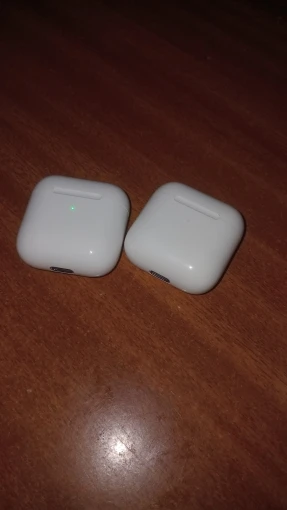
All-Day Power: The pocket-sized charging case provides multiple full charges for your earbuds, ensuring you have music from morning till night.
| Feature | Specification |
| Bluetooth Version | V5.0 + EDR |
| Transmission Distance | 10–15 Meters |
| Music/Talk Time | 2–3 Hours per charge |
| Charging Case Capacity | 300mAh (provides 3-4 refills) |
| Compatibility | iOS, Android, Windows, and Tablets |
| Charging Port | Lightning interface |
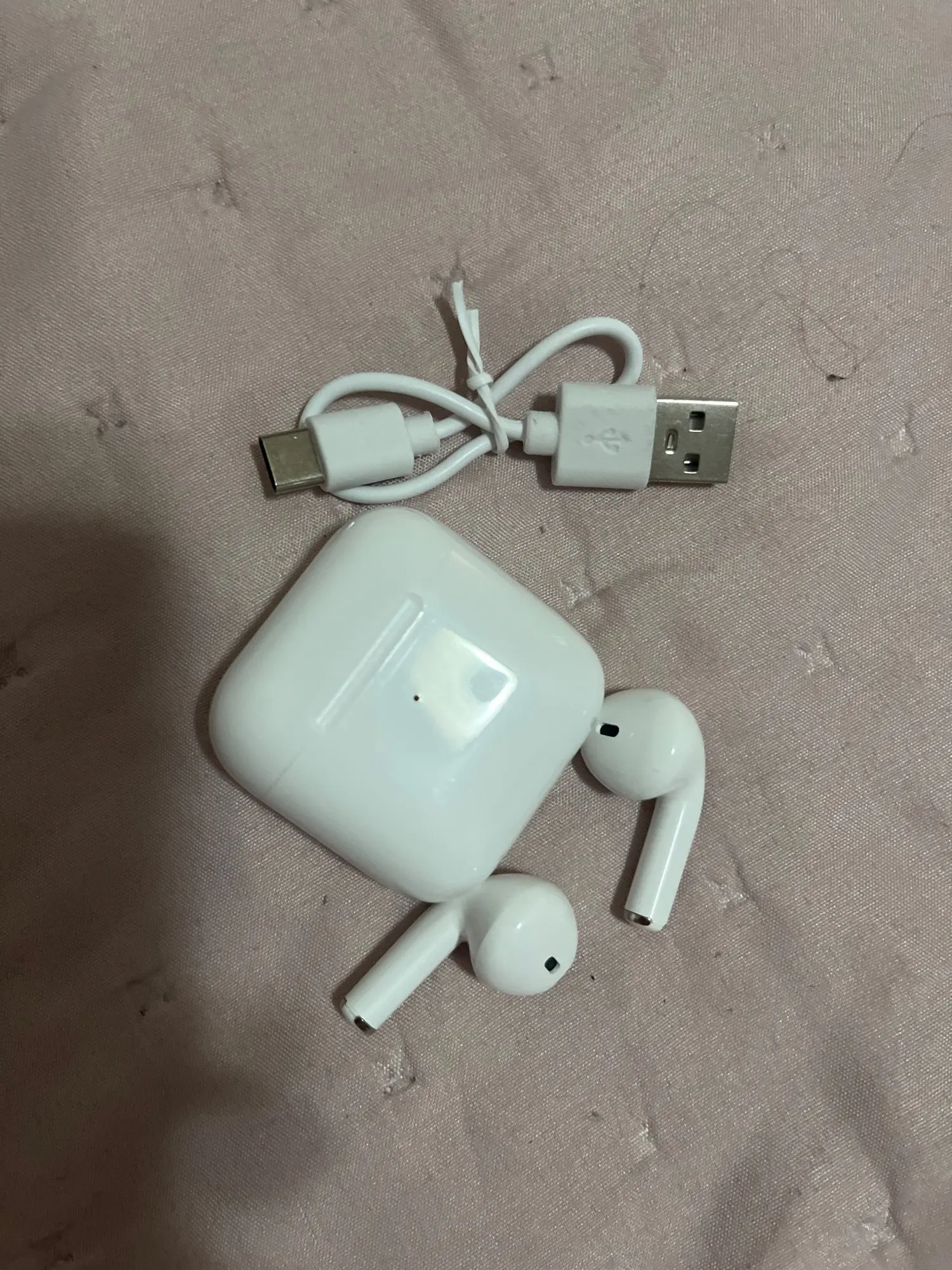
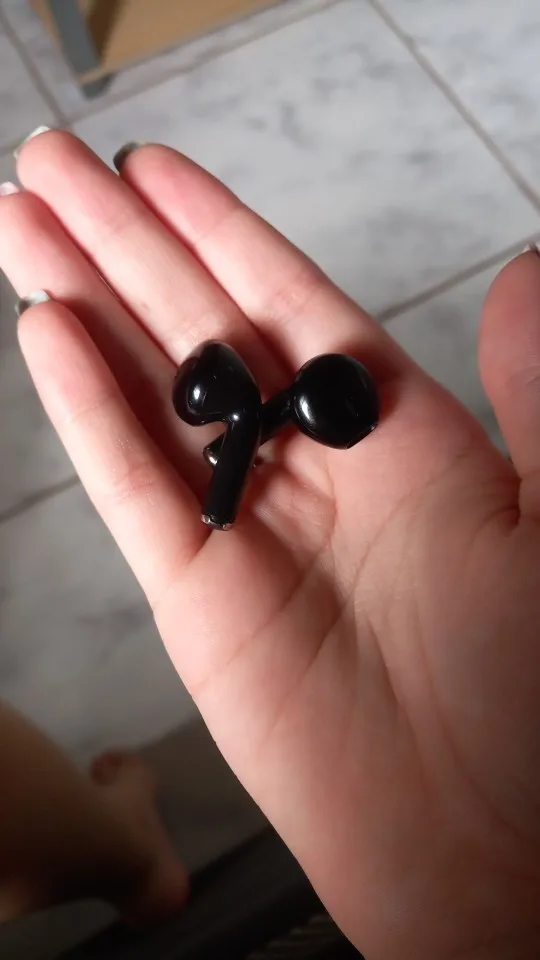
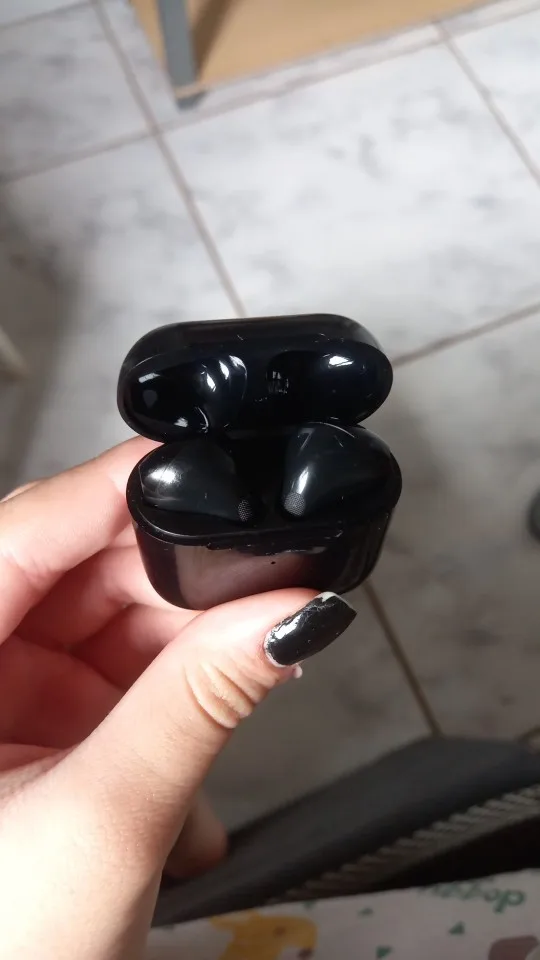
2x i14 TWS Bluetooth Earbuds (Left & Right)
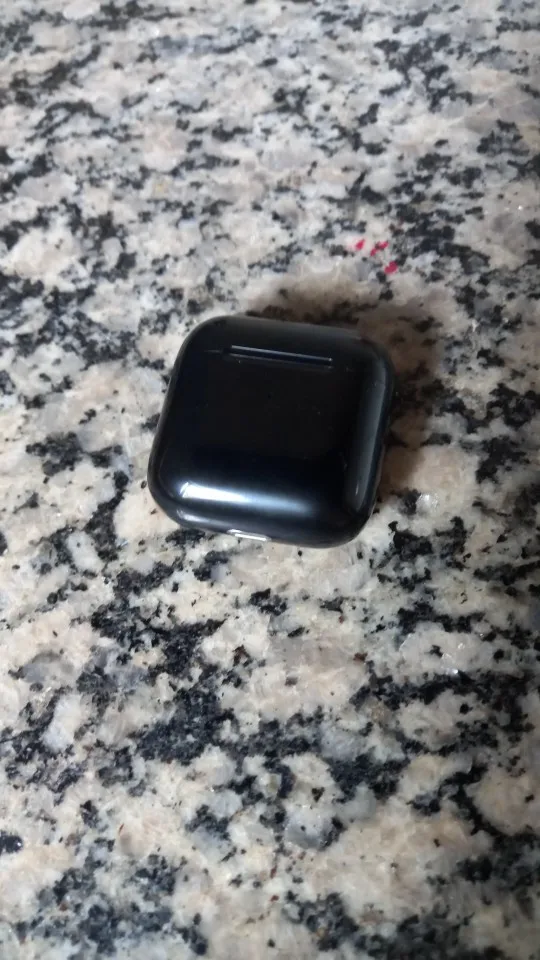
1x Portable Magnetic Charging Case
1x USB Charging Cable
1x User Manual
Our Guarantee: Join thousands of satisfied users who have ditched the wires for the i14 TWS. Compact, stylish, and powerful—it's the only audio companion you need.
User Guide: Getting Started with i14 TWS
1. Initial Pairing (First Time Use)
Open the Case: Open the charging case lid and remove both earbuds simultaneously.
Auto-Sync: The LED lights on the earbuds will flash. Wait 2–3 seconds for the earbuds to automatically sync to each other.
Bluetooth Connection: Open the Bluetooth settings on your smartphone or tablet. Search for "i14" and tap to connect.
Success: A voice prompt will say "Connected," and the earbuds are ready for use.
2. Smart Touch Control Commands
The touch-sensitive area is located on the upper part of the earbud stem.
Single Tap (Left or Right): Play / Pause music or Answer / End a call.
Double Tap (Left): Decrease Volume.
Double Tap (Right): Increase Volume.
Triple Tap (Left): Previous Track.
Triple Tap (Right): Next Track.
Long Press (2 Seconds): Activate Voice Assistant (Siri or Google Assistant) or Reject an incoming call.
Long Press (5 Seconds): Power On / Off.
3. Charging Instructions
Charging the Earbuds: Simply place the earbuds back into the magnetic charging case. The light on the case will turn Red (charging) and turn off or turn Blue when fully charged.
Charging the Case: Plug the provided Lightning cable into the port at the bottom of the case. Connect it to a USB wall adapter or laptop. The LED will flash during charging and stay solid once complete.