Total: $0.00
Taxes and shipping calculated at checkout


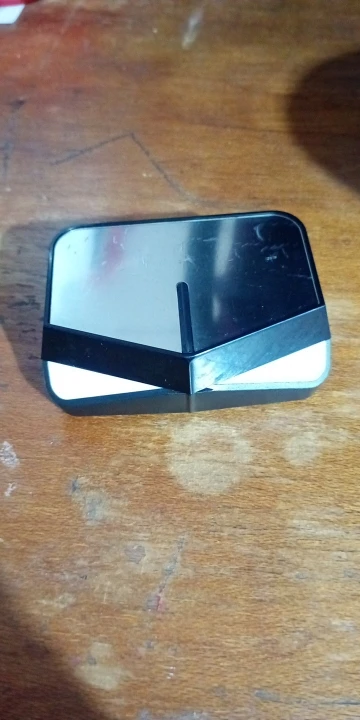
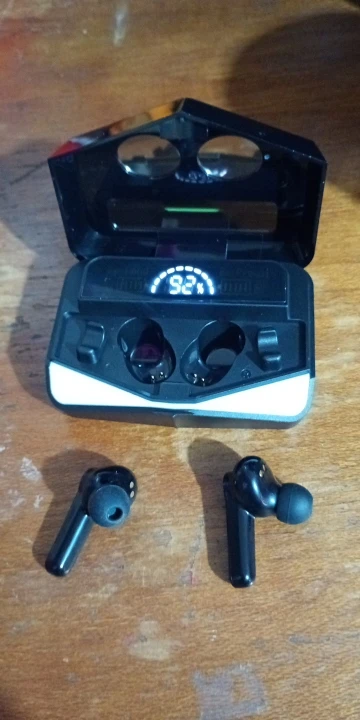
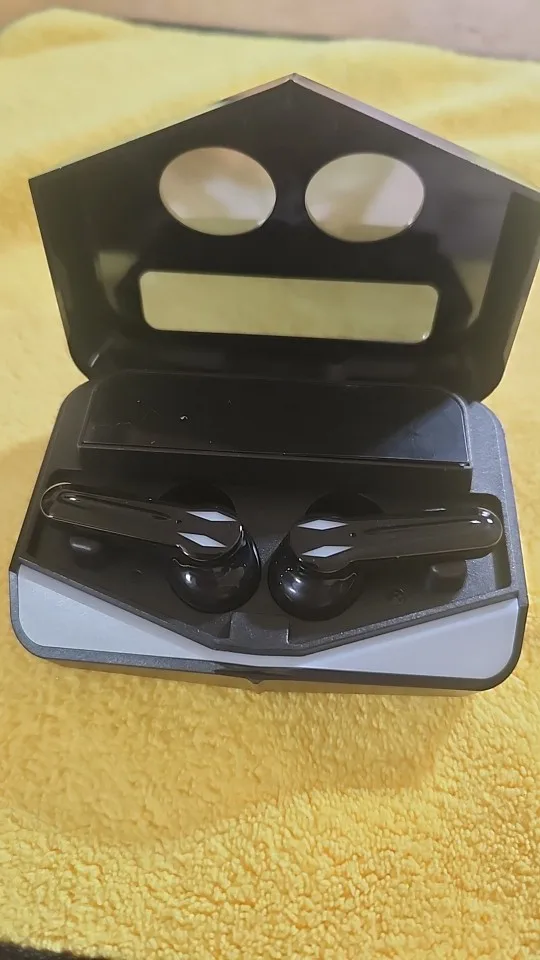
Take your audio experience to the next level with the M28 Wireless Gaming Earbuds. Featuring a futuristic mirror-finish charging case and a high-definition LED power display, the M28 isn't just about sound—it's a statement. Engineered with Bluetooth 5.3 and a dedicated gaming chip, these earbuds provide the "Heavy Bass" and "Zero-Lag" performance required for professional-grade mobile gaming and high-fidelity music.1
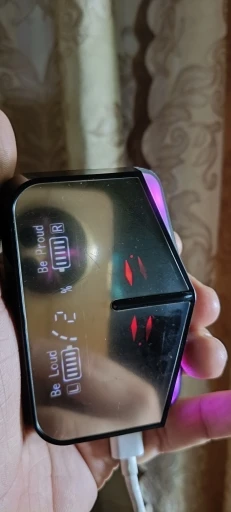
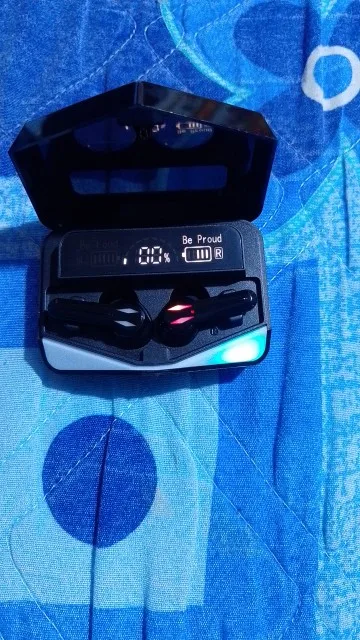
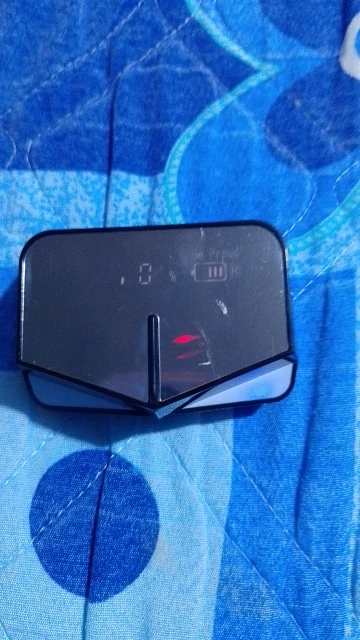
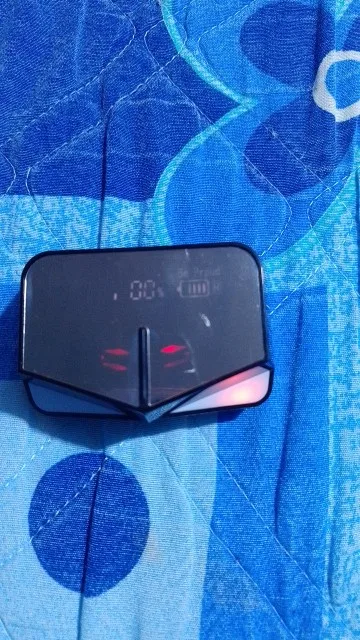
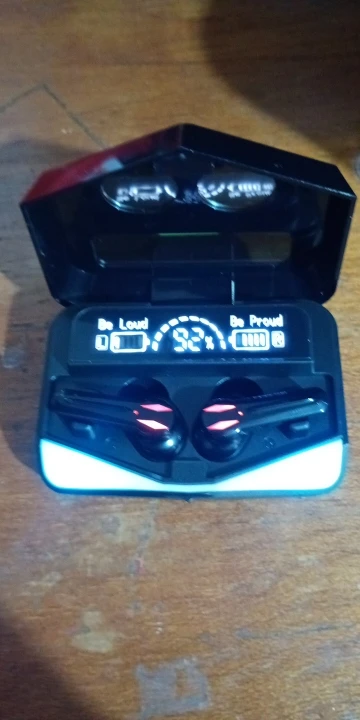
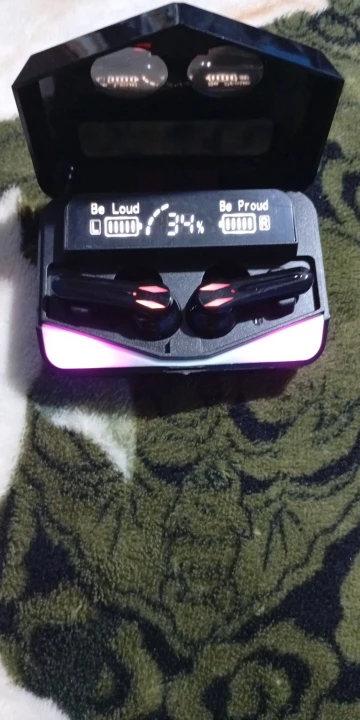
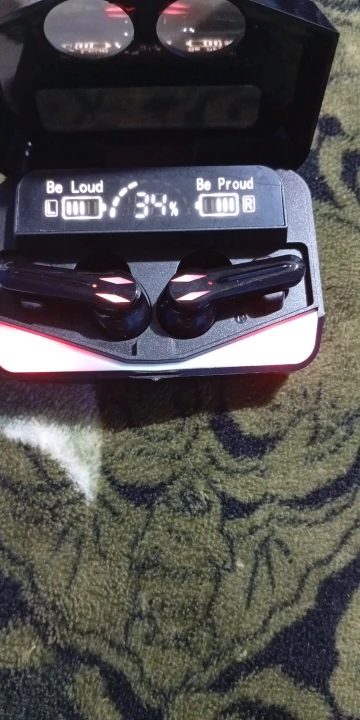
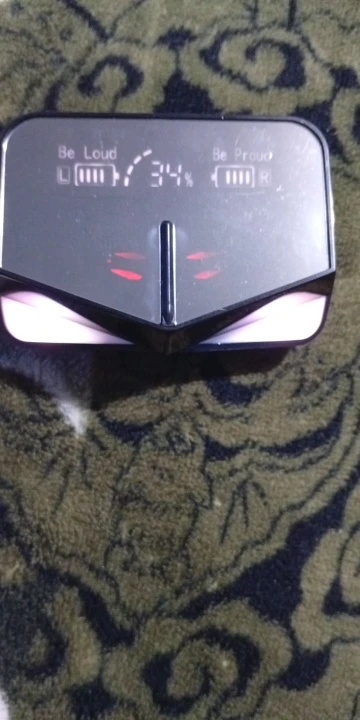
Mirror LED Power Display: The sleek, mirror-surface charging case features a digital readout showing exactly how much battery remains in each earbud and the case itself. No more guessing when to charge.
Pro-Gaming Low Latency: Optimized for competitive play, the M28 reduces audio lag to a minimum, ensuring your sound is perfectly synced with the action in games like PUBG, Genshin Impact, and Fortnite.
Extreme Heavy Bass & Hi-Fi Audio: Custom-tuned 13mm drivers deliver heart-thumping bass and crystal-clear trebles, making them perfect for EDM, Hip-Hop, and immersive cinematic soundtracks.
IPX7 Waterproof Protection: Built to withstand the toughest workouts and unexpected rain. The sweatproof nano-coating makes these the ideal companion for the gym or outdoor adventures.
Type-C Fast Charging: Say goodbye to long wait times. The modern Type-C port provides rapid power recovery, giving you hours of playtime with just a few minutes of charging.
Smart Touch Interaction: Manage your world with a touch. Control volume, switch modes, or summon your AI assistant without ever reaching for your phone.
| Feature | Specification |
| Model | M28 Gaming Edition |
| Bluetooth Chip | V5.3 + EDR (Enhanced Data Rate) |
| Decoding | AAC / SBC / ACC |
| Waterproof Level | IPX7 |
| Battery Life | 6 Hours (Up to 35 Hours total with case) |
| Charging Interface | USB Type-C |
| Signal Distance | 15 Meters (Obstacle-free) |
1 Pair M28 Gaming Earbuds
1x Mirror-Finish Charging Case
1x Type-C Charging Cable2
3 Pairs Ergonomic Ear Tips (S/M/L)
1x Premium Packaging & User Guide
The Gamer's Edge: The M28 features a specialized Game/Music Dual Mode.3 Whether you need the 360-degree spatial awareness for gaming or the rich, balanced acoustics for a concert-like experience, the M28 adapts to your lifestyle.
The M28 TWS is a high-performance device, and because of its advanced Mirror LED Display and Dual-Mode chip, users often need a quick reference to unlock all its features.
Here is a professional "Quick Start & Operations" guide for the M28.
User Guide: M28 Mirror Series Gaming Earbuds
1. First-Time Setup (Auto-Pairing)
Unbox & Charge: Ensure the case is charged using the provided Type-C cable until the LED display shows 100%.
Auto-Power On: Remove both earbuds from the case. The mirror display will light up, and the earbuds will enter pairing mode (flashing lights).
Find "M28": Open your device’s Bluetooth menu, search for "M28", and connect.
Single Earbud Mode: To use just one earbud, simply leave the other in the charging case.
2. Switching Modes (Gaming vs. Music)
The M28 uses a high-performance chip that can be toggled depending on your activity.
To Switch: Quad-tap (4 quick taps) on the Right earbud sensor.
Game Mode: You will hear "Game Mode" or a beep. This reduces latency to roughly 65ms for instant sound response.
Music Mode: Quad-tap again to hear "Music Mode." This optimizes the 13mm drivers for deep bass and high-fidelity acoustics.
3. Smart Touch Commands
Play/Pause: Single tap (either earbud).
Next Track: Double tap the Right earbud.
Previous Track: Double tap the Left earbud.
Volume Up: Triple tap the Right earbud.
Volume Down: Triple tap the Left earbud.
Answer/Hang Up: Single tap during a call.
Reject Call: Long press for 2 seconds.
Voice Assistant (Siri/Google): Long press for 2 seconds until you hear a prompt.
4. Understanding the Mirror LED Display
Center Number: Shows the total battery percentage remaining in the Charging Case.
Left/Right Bars: Represent the charging progress of the individual earbuds. When the bars stop moving, the earbuds are fully charged.
Pro-Maintenance Tips
Waterproof Care: While the M28 is IPX7 waterproof (sweat and rain resistant), do not submerge it in deep water or wear it while swimming. Always dry the charging pins on the earbuds before placing them back in the case to prevent corrosion.
Reset Procedure: If the earbuds won't sync together, "Forget" M28 from your phone, place both in the case, then take them out simultaneously and wait 5 seconds before reconnecting.